In order to unpack this file after download, please enter the following password: trainer.
For unpacking files we recommend using a free software - 7-Zip.
Caesar Mod is a mod for Imperium: Great Battles of Rome, created by Paulus_Ludorum.
Description:
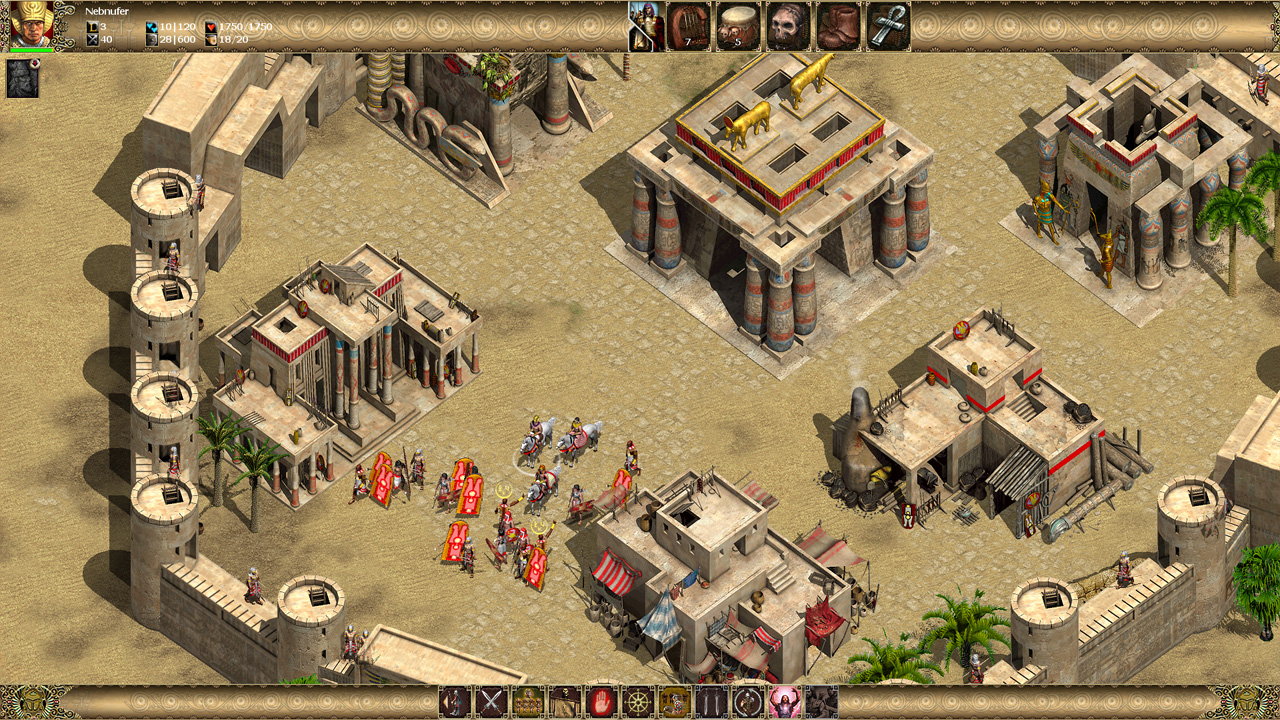
The mod’s goal is to help restore the former glory of Imperivm GBR. The Caesar Mod features Greece from version 1.9 along with many gameplay enhancements: balance changes, new features, updated battles and maps, improved AI, revised texts, new unit voices, quality of life features and essential bug fixes.
Make your way through history by reliving some of the most important moments in the military history of Rome: follow the deeds of its greatest generals or challenge its power by joining its most formidable enemies, conquer cities across the Mediterranean, lead massive armies and mighty warriors! Summon Julius Caesar himself to lead you to victory, or call upon Keltill and Larax to crush your enemies! The ancient world is in your hands!
The Caesar Mod is compatible with both the Steam HD Edition and the original 1.40 version.
Instructions:
1) Install either the Steam HD version or the vanilla 1.40 version of Imperivm Great Battles of Rome (also create a backup copy of its folder just to stay safe)
2) Download the mod zip (latest version) then extract and copy all of its elements into your Imperivm GBR folder, overwrite everything when asked; this image shows which files must be copied
3) If you have the Steam HD edition, delete the "CurrentLang" and "Units" folders
4) Select your "gbr.exe" file and right-click on it: select "Properties", then "Compatibility" tab, select "Change high DPI settings", tick the checkboxes, select "I open this program" and "Application" options; this image shows it
5) Choose a language: if you want English, you can skip this step as it is the default one, otherwise you have to edit the "Default" value in the "settings.ini" file (first row under "[Language]" section) by writing one of English|Italian|Spanish|Czech (Czech only supports unit voices, texts are in English); this image shows it
6) Change screen resolution: the default/recommended one is 1920x1080; if you want/need to change it, you have to manually edit these values in their respective files; the images below show it
"WindowX" and "WindowY" in "Config.ini"
"Res1_x" and "Res1_y" in "Data/CONST.INI"
"Larghezza" and "Altezza" in "Data/Interface/Menu/Template.ini"
- Last update: Wednesday, March 11, 2026
- Genre: Strategy
- File size: 1352.3 MB
Note: The cheats and tricks listed above may not necessarily work with your copy of the game. This is due to the fact that they generally work with a specific version of the game and after updating it or choosing another language they may (although do not have to) stop working or even malfunction.
Extra care should be taken with modifications, trainers, and other things that were not created by the game’s developers. In this case the possibility of malfunctioning or even damaging the game, which may necessitate reinstalling the game, is particularly high.