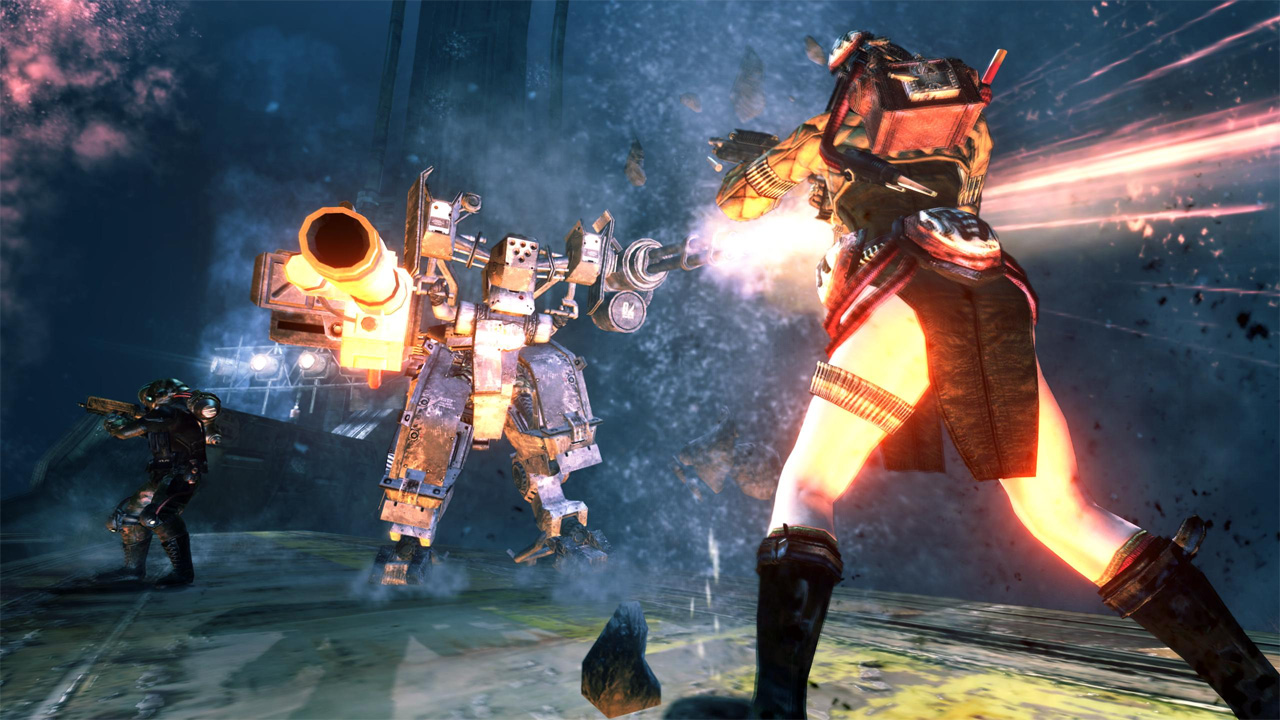
Windows 10 & 11 Fix is a mod for Lost Planet 2, created by Arie
Description
Lost Planet 2 does not work on modern PCs. Instead of fixing these issues, Capcom simply delisted the game. Fans came up with their own way to play this title, and this package contains everything you need to do so.
Instructions:
1. Extract the archive.
2. Go to the “1” folder and use the installers located there to install the programs. Do this in the following order:
xliveredist.msi
gfwlclient.msi
gfwlivesetup.exe
3. Try to start the game. If your processor has 6 or fewer cores, the title screen will likely appear. If not:
If the game opens on a black screen and maxes out your CPU, go to folder “2” in the archive and copy the dinput8.dll file located there to the game folder where LP2DX11.exe and other executable files are located.
4. Now that you see the developer welcome screens and the menu screen, it's time to launch GFWL.
Right-click on the game in Steam and get the CD key. You will need it in a moment.
Open the game and continue until you are prompted to log in to Windows Live. Hopefully, you have the account information for the account that used the CD key, if you have already redeemed it.
When you log in for the first time, you will be asked to enter the CD key, and then you will see a “please wait” or “downloading profile” screen. When you get there, leave it alone and don't switch to other windows or do anything else with your computer. Keep in mind that this may take a WHILE, and the time varies for everyone. In most cases, it takes between 2 and 10 minutes.
Eventually, GFWL will decide that an update is necessary and ask you to close the game.
Close the game and click “Finish” in the GFWL installer window, which is probably open.
Reopen the game and log in again. This time, it will attempt to download your profile, which will take a long time. Do not do anything until this is complete. Fortunately, you only need to download your profile once.
Once complete, you will be prompted to create a new save file, and that's it!
You now have a working copy of Lost Planet 2, chich
Once completed, you will be prompted to create a new save file, and that's it!
You now have a working copy of Lost Planet 2, which currently includes a working multiplayer mode
IF THIS DOESN'T WORK:
the game doesn't open at all – try uninstalling all versions of GFWL, restart your computer, and then reinstall these programs from the archive.
The game opens, you see the window, but the game freezes – try changing the compatibility mode in the launcher itself. Some people find Windows 7 helpful. I'm not sure why, but compatibility mode can also cause problems, so don't enable it by default.
- Last update: Saturday, November 1, 2025
- Genre: Action
- File size: 22.9 MB