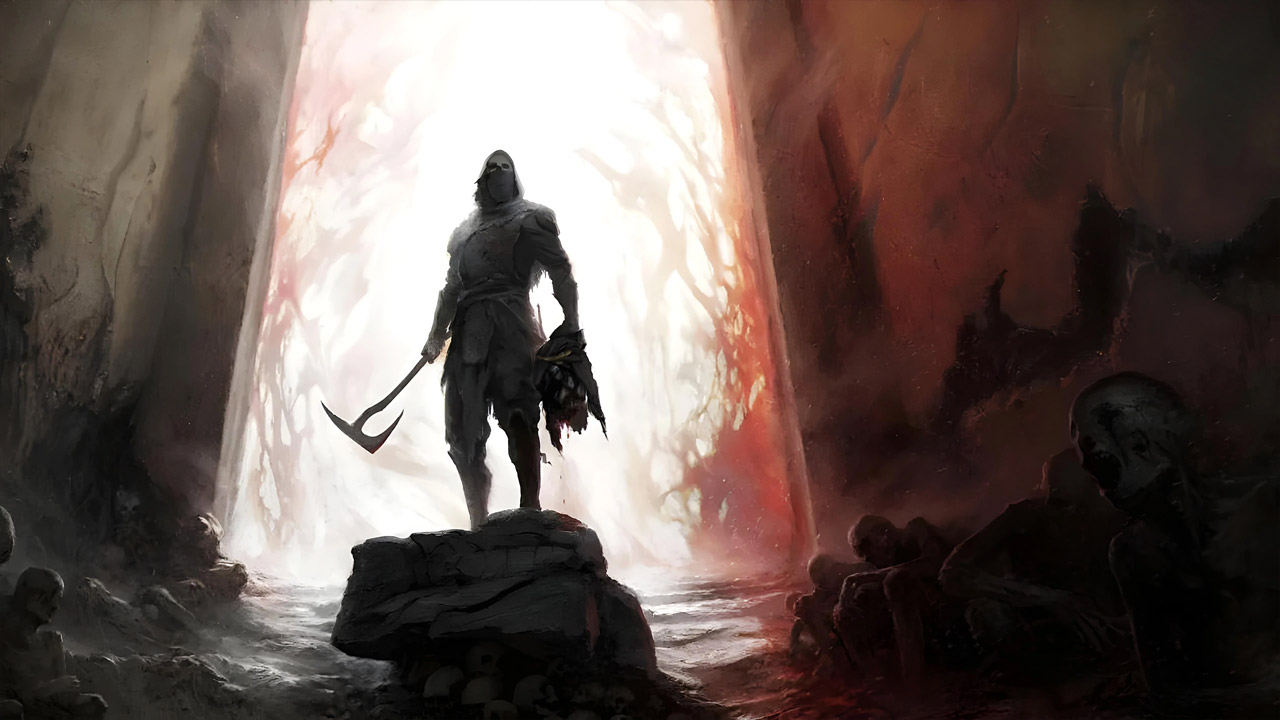
Ultimate Engine Tweaks (Anti-Stutters - More Performance - Lower Latency - Better Clarity - Lossless) is a mod for Mortal Shell 2, created by P40L0. If you find this mod useful please consider supporting it’s creator through Patreon.
Description:
The mod reworks Unreal Engine's “Engine.ini” file to achieve the elimination of most clipping, improved performance and stability, reduced control lag, and increased image clarity - all without sacrificing visual quality.
The author's goal was to include as many optimizations as possible (for CPU/GPU/RAM/SSD) to eliminate most clipping, improve performance, reduce control lag, and improve image clarity (e.g., by removing film grain and chromatic aberration, optimizing DLSS/FSR and anti-aliasing, reducing ghosting and flickering), all without losing graphics quality or introducing bugs or crashes.
Installation:
Download the archive and extract it. You will get two folders with different versions of the mod:
1. No VRR - if you have VRR/G-Sync/Freesync disabled in your PC settings.
2. VRR - if you have VRR/G-Sync/Freesync enabled in your PC settings
Open the game at least once and close it, then you can directly download/extract Engine.ini to paste in:
%localappdata%\MortalShell2\Saved\Config\Windows
(Press Win + R , type the path above and click Enter to open the folder directly)
then Right-Click on it -> Properties -> make sure the "Read-Only" box is selected -> Apply/OK
For Linux / Steam Machine / Steam Deck version only:
Go and paste it into:
<SteamLibrary-folder>/steamapps/compatdata/2584270/pfx/drive_c/users/steamuser/AppData/Local/MortalShell2/Saved/Config/Windows/
then make sure its attribute is "Read-only"
(To Uninstall just delete the modded Engine.ini, the game will use its defaults on next launch)
DO NOT USE TOGETHER WITH OTHERS "OPTIMIZATION" MODS
(any other mod will be compatible)
For additional PC/Windows optimizations, I also highly recommend to follow and apply my:
PC Gaming: Optimized - The Ultimate Guide (including NVIDIA/AMD CP + G-Sync/Freesync + HDR Best Settings)
- Last update: Tuesday, August 25, 2026
- Genre: RPG
- File size: 16.3 KB