English Translation Patch is a mod for Senjou no Valkyria 3: Extra Edition (ang. Valkyria Chronicles 3), created by Valkyria Chronicles 3 Translation Project
Description:
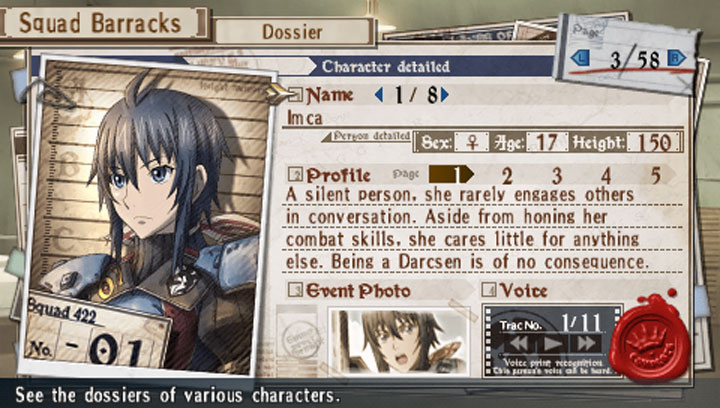
Senjou no Valkyria 3: Extra Edition is a turn based strategy game for the PlayStation Portable. It’s third entry in Valkyria Chronicles series and it never got official english release. This mod fixe that.
Instructions:
Here are the general instructions on how to use the patch. Please note that right now, this patch will only support Valkyria Chronicles 3: Extra Edition because of memory limitations in the original version. The patch requires at least 4GB of open space on your computer, Java, and the windows .net service pack.
0. You will need to install custom firmware (CFW) onto your PSP. This will be basically opening up a file on the memory stick as a regular PSP firmware update and installing that. This is a simple guide that will help you install the CFW. http://wololo.net/cfw4dummies/
1. Get an ISO of the game, whether through ripping it yourself from the UMD, or converting your PSN copy.
If you have a UMD:
Use the CFW to convert the UMD into an ISO file onto your computer. Different CFWs may have different methods, but one method will be to change the USB Device from “Memory Stick” to “UMD Disc” on the CFW menu, which will allow your computer to access the ISO file. Additional instructions here: http://www.wikihow.com/Copy-a-PSP-UMD
If you have a PSN copy:
Must have umd_dump_simple.prx copied into your plugin folder ( ms0:/SEPLUGINS/) and add this line to GAME.TXT: ms0:/seplugins/umd_dump_simple.prx 1
Here is where you can get Neuron’s umd_dump_simple.prx plugin:
http://www.sendspace.com/file/irk3ik
Once the above step is done, simply run the game and then press the note key at the game’s title screen, while a USB cord is attached to your PC and the PSP. The plugin will automatically make the ISO that you can mount as a virtual drive in a Windows OS. Then just copy that ISO file to your computer then unmount the drive pressing the note key again.
2. Unzip the patch file.
3. Drag and drop your ISO into the patch.cmd file inside the zip folder. Do NOT close any windows that pop up during the patching progress. It may look like it’s not doing anything, but it is. This will convert the ISO into a patched ISO, and will back up the previous ISO with a new .bak extension.
4. Copy the patched ISO back onto your PSP and launch it.
That should be it!
- Last update: Tuesday, January 11, 2022
- Genre: RPG
- File size: 52.6 MB