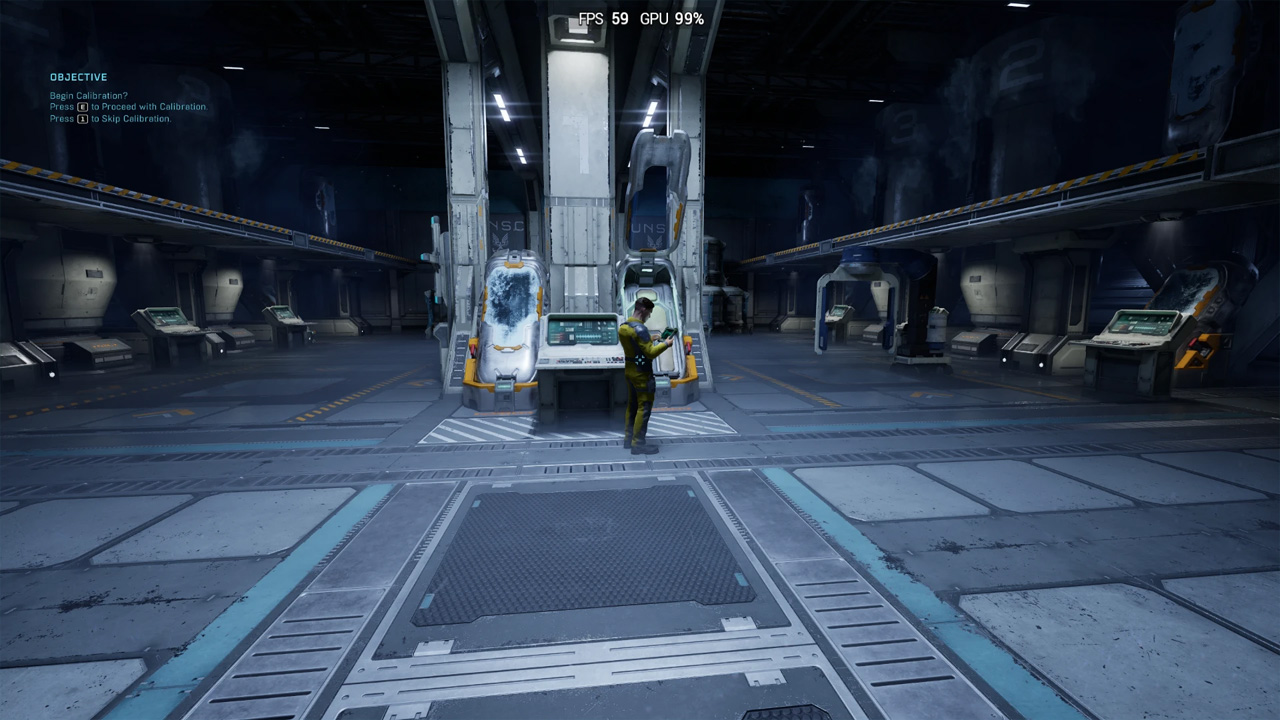
Optimax - Performance (Stutter FPS Latency Fix) is a mod for Halo: Campaign Evolved, created by Hybred. If you end up enjoying this project please consider supporting it’s creator through Patreon, Ko-Fi or Cash App.
Description:
Improves framerate. Reduces stutter & hitching. Improves loading times. Reduces input latency. Denoises Unreal Engine effects
Installation
1. Download & Extract
– Download the mod archive and unzip it.
– Inside, choose the preset you want to use.
2. Copy INI Files
– Go to your game’s configuration folder where "GamerUserSettings.ini" is located.
– Copy the .ini files from your selected preset into this folder.
– If asked, allow the files to overwrite existing ones.
– Right click on the copied files, select "Properties", and ensure they're set to "Read-only".
3. Start the Game
– Launch the game and enjoy the mod!
Locations
INI Files
Steam & Epic: %localappdata%\\Meteorite\Saved\Config\Windows
Xbox: %localappdata%\\Meteorite\Saved\Config\WinGDK
SteamOS: /home/.steam/steam/steamapps/compatdata/2806050/pfx/drive_c/users/steamuser/AppData/Local/Meteorite/Saved/Config/Windows/
Presets Explained
– Ultra Quality: Looks the same or better than the original games graphics, while still providing an FPS boost.
– Quality, Balanced & Performance: Looks extremely similar to the base games graphics. Small downgrades
& some improvements while providing a large boost to FPS.
– Ultra Performance & Low Spec Gaming: Looks noticeably worse than the base game graphics, but provides an extremely large boost to FPS.
– Ultra Low Spec Gaming: Prioritizes performance maximally the highest framerate possible
Mod Compatibility
You can combine other mods with mine by opening up the Engine.ini file & pasting
the other mod commands under the "{ Custom }" section. Example:
Default
{ Custom }
;r.PlaceModsHere=1
Custom
{ Custom }
r.NGX.DLSS.DenoiserMode=1
r.FidelityFX.FI.Enabled=1
Do not copy headers when doing this (e.g.: [ConsoleVariables]). This mods header will properly apply your tweaks, only paste the commands
- Last update: Sunday, August 2, 2026
- Genre: Action
- File size: 267.6 KB