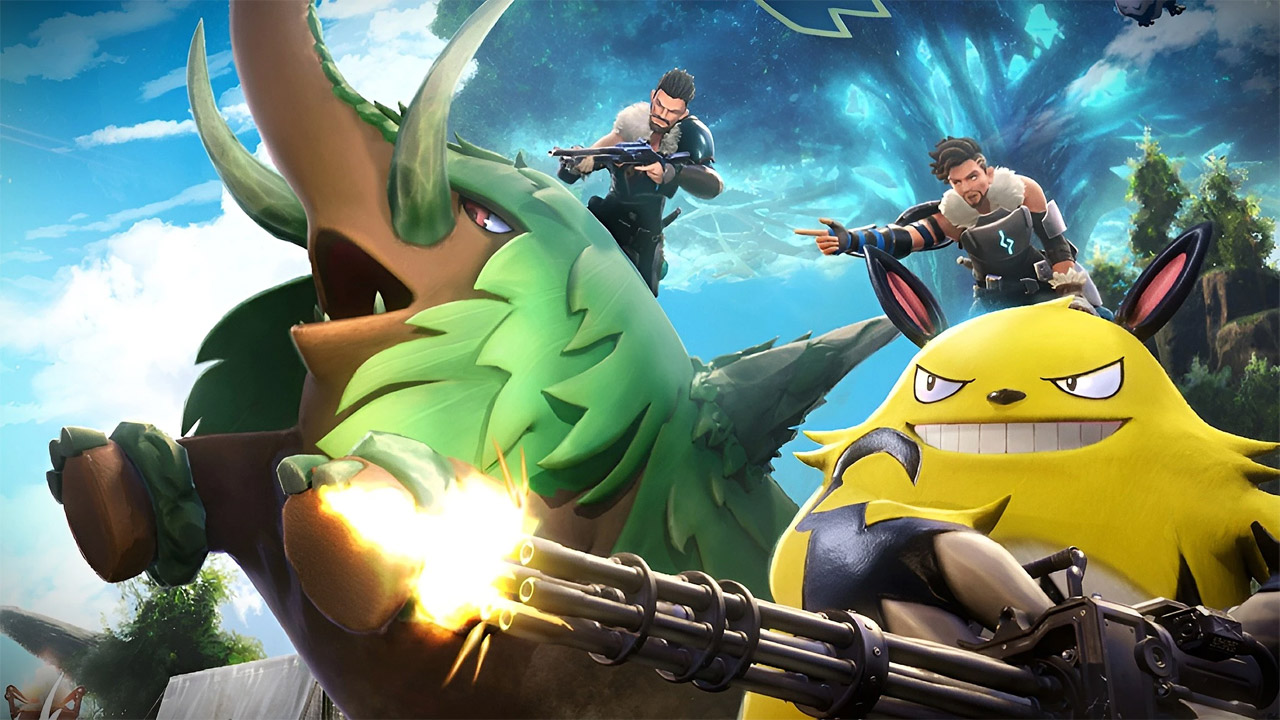
Ultimate Engine Tweaks (Anti-Stutters - More Performance - Lower Latency - Better Clarity - Lossless) is a mod for Palworld, created by P40L0. If you end up liking this mod please consider supporting it’s creator through Patreon.
Description:
The mod reworks Unreal Engine's “Engine.ini” file to achieve the elimination of most clipping, improved performance and stability, reduced control lag, and increased image clarity - all without sacrificing visual quality.
The author's goal was to include as many optimizations as possible (for CPU/GPU/RAM/SSD) to eliminate most clipping, improve performance, reduce control lag, and improve image clarity (e.g., by removing film grain and chromatic aberration, optimizing DLSS/FSR and anti-aliasing, reducing ghosting and flickering), all without losing graphics quality or introducing bugs or crashes.
Installation:
Download the archive and extract it. You will get two folders with different versions of the mod:
1. No VRR - if you have VRR/G-Sync/Freesync disabled in your PC settings.
2. VRR - if you have VRR/G-Sync/Freesync enabled in your PC settings
Choose the right version for you and go into that folder. There you will find the modified Engine.ini file. Copy that file into:
%localappdata%\Pal\Saved\Config\Windows
(Press Win + R , type the path above and click Enter to open the folder directly)
then Right-Click on it -> Properties -> make sure the "Read-Only" box is selected -> Apply/OK
For Game Pass/ Xbox Store version only:
Go and paste it into:
%localappdata%\Pal\Saved\Config\WinGDK
(Press Win + R , type the path above and click Enter to open the folder directly)
then Right-Click on it -> Properties -> make sure the "Read-Only" box is selected -> Apply/OK
NOTE: DO NOT USE TOGETHER WITH OTHER “OPTIMIZATION” mods (all other mods will be compatible).
- Last update: Monday, September 21, 2026
- Genre: Action
- File size: 16.4 KB