LEGO City Undercover: How to use a gamepad on PC?
Table of Contents
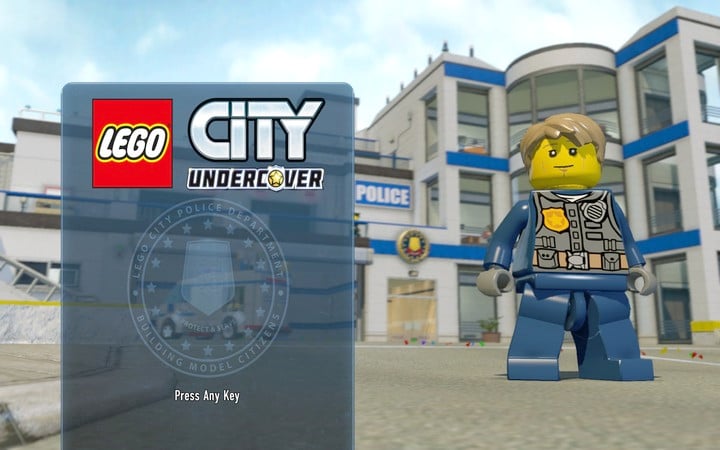
On the starting screen, right after loading the game, make sure that the first button you press will be a button on the pad
To play on a PC using a gamepad you should do the following two things: firstly, connect the pad to the computer before starting the game. Secondly, when the game is fully loaded, and the message "Press Any Key" appears, use any button on the pad. Otherwise, if you press a button on the keyboard, the game will not use the previously connected gamepad.



You are not permitted to copy any image, text or info from this page. This site is not associated with and/or endorsed by the developers and the publishers. All logos and images are copyrighted by their respective owners.
Copyright © 2000 - 2026 Webedia Polska SA for gamepressure.com, unofficial game guides, walkthroughs, secrets, game tips, maps & strategies for top games.