ATOM RPG: How to open locks?
Last update:
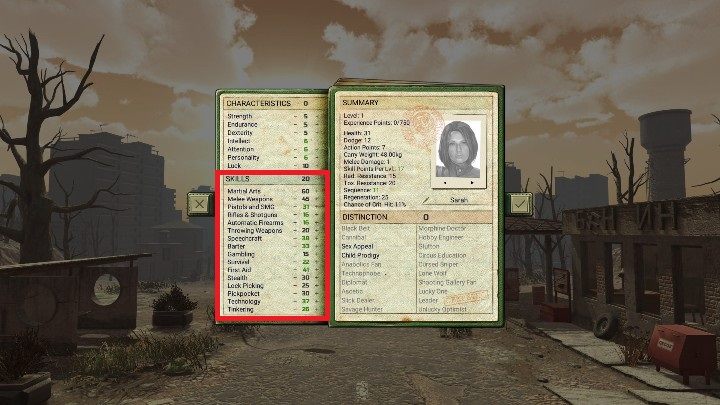
In ATOM RPG you can open closed padlocks and locks. This feature is explained rather vaguely in the game, so we will describe it in detail here. However, you should know beforehand that Lock Picking has a big influence on the chances of opening a locked object.
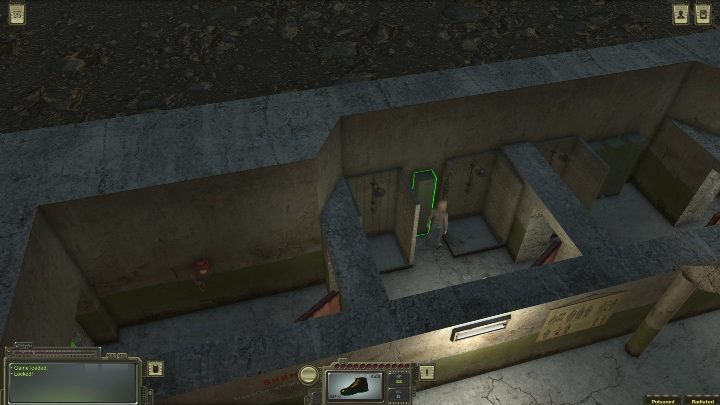
If a cabinet is closed, the game will communicate this to you. Otherwise, the cabinet will open immediately.
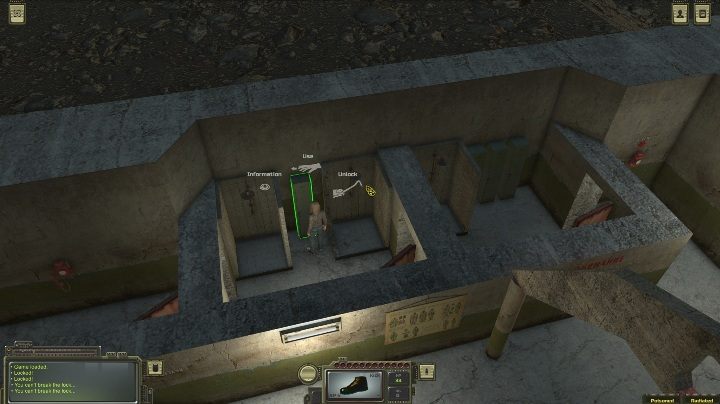
To try to open the lock, you must click the left mouse button on the object and hold it down until additional options appear. The Unlock option will make your character try to open the castle.
You can try to open the lock until it gives way. Opening locks are not affected by objects that you are currently holding in your hands.



- ATOM RPG Guide
- ATOM RPG: Game Guide
- ATOM RPG: Starting tips
- ATOM RPG: What about food?
- ATOM RPG: What are companions available game?
- ATOM RPG: How to heal companions?
- ATOM RPG: How does crafting work?
- ATOM RPG: How to skin an animal?
- ATOM RPG: How to open locks?
- ATOM RPG: How do I change the time of day?
- ATOM RPG: How do I change the location?
- ATOM RPG: How to cure your hero?
- ATOM RPG: Starting tips
- ATOM RPG: Game Guide
You are not permitted to copy any image, text or info from this page. This site is not associated with and/or endorsed by the developers and the publishers. All logos and images are copyrighted by their respective owners.
Copyright © 2000 - 2026 Webedia Polska SA for gamepressure.com, unofficial game guides, walkthroughs, secrets, game tips, maps & strategies for top games.