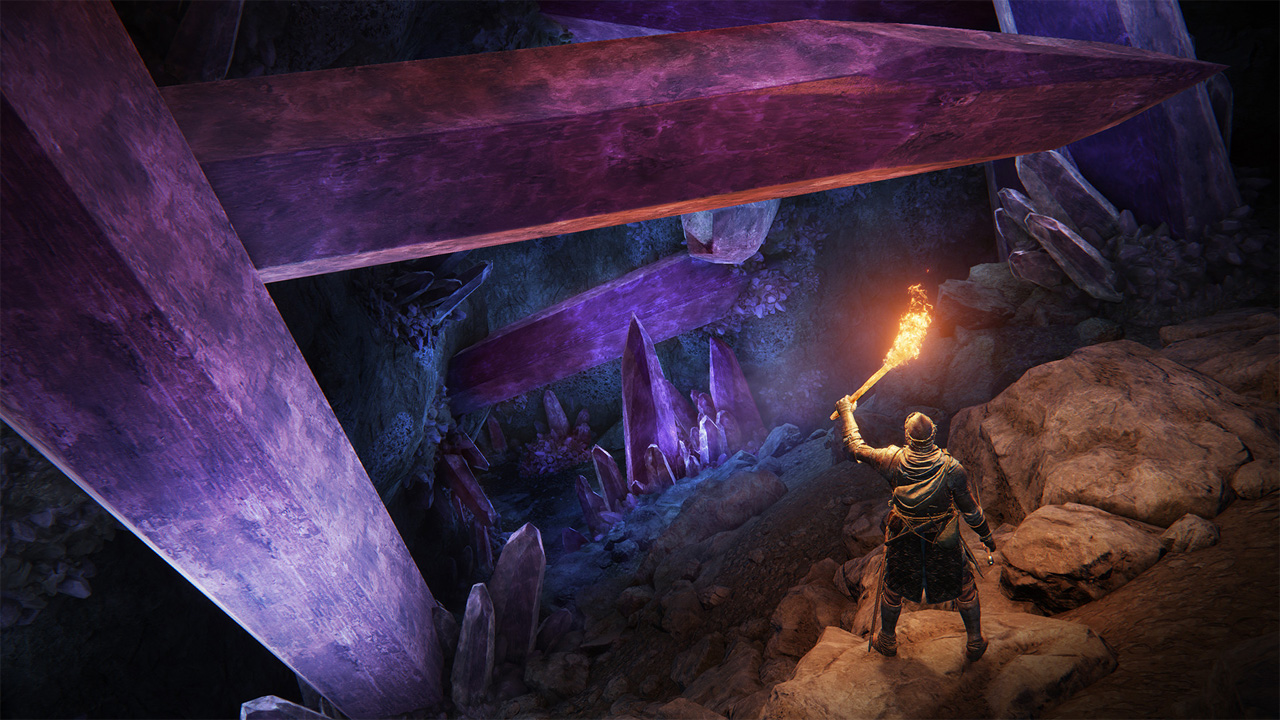
FPS Unlocker and more is a mod for Elden Ring, created by uberhalit.
Description:
A small utility to remove frame rate limit and modify FOV (Field of View) for Elden Ring written in C#. More features soon! Patches games memory while running, does not modify any game files. Works with every game version (legit steam & oh-not-so-legit), should work with all future updates.
Features
- does not modify any game files, RAM patches only
- works with legit, unmodified steam version as well as with unpacked, not-so-legit versions
- unlock frame rate (remove FPS limit) by setting a new custom limit (currently limited to (borderless) window mode)
- increase or decrease field of view (FOV)
Make sure the game is running in offline mode and the AntiCheat (EAC) isn't running..
The anti-cheat must be disabled for this mod to load, this also means that you must play in offline mode. This is the case for all Elden Ring mods.
Create "steam_appid.txt" inside "xxxxx\ELDEN RING\Game\", write 1245620 inside the file.
Rename "start_protected_game" to "start_protected_game.old".
Create a copy of "eldenring.exe" and rename the copy to "start_protected_game".
The game should start without EasyAntiCheat loading up. You will get a message saying "Inappropriate activity detected" in the menu, this is fine.
The graphic setup has to be done only once but as the patcher hot-patches the memory you have to start the patcher every time you want to use any of its features.
Usage:
The game enforces VSYNC and forces 60 Hz in fullscreen even on 144 Hz monitors so we have to override these.
Nvidia: Use Nvidia Control Panel to set 'Vsync' to 'Off' and 'Preferred Refreshrate' to 'Highest available' on a Elden Ring Profile.
AMD: Use Radeon Settings to set 'Wait for Vertical Refresh' to 'Enhanced Sync' on a Elden Ring profile. Start Elden Ring in windowed mode and switch to fullscreen once ingame. Troubleshoot: see the guide further down below.
60 Hz monitors: disable VSYNC via driver (use 'Enhanced Sync' on AMD) and use fullscreen, see guide below
high refresh rate monitors: use borderless and force monitor to always use highest available refresh rate, see guide below
- Follow these steps on Nvidia:
Open Nvidia Control Panel
Navigate to Display -> Change resolution
Make sure your monitor is set to the highest Refresh rate possible:
Navigate to 3D Settings -> Manage 3D settings -> Program Settings -> Elden Ring
Set Preferred refresh rate to Highest available
Set Vertical sync to Off
Hit apply and close Nvidia Control Panel
Start Elden Ring FPS Unlocker and more and start the game through the first button
Use borderless window mode for now
Set your new refresh rate limit, tick the checkbox and click Patch game
- Follow these steps on AMD:
Right click on Desktop -> Display settings
Scroll down and click Advanced Display Settings -> Display Adapter Properties
Switch to Monitor tab and make sure your monitor is set to the highest Refresh rate possible:
Open Radeon Settings
Navigate to Gaming -> Elden Ring or add it manually if it's missing: Add -> Browse -> Elden Ring
Set Wait for Vertical Refresh to Enhanced Sync:
Apply and close Radeon Settings
Start Elden Ring FPS Unlocker and more and start the game through the first button
Use borderless window mode for now
Set your new refresh rate limit, tick the checkbox and click Patch game
- To play the game with GSYNC do these additional steps (Nvidia):
Under Nvidia Control Panel navigate to 3D Settings -> Manage 3D settings -> Program Settings -> Elden Ring
Set Monitor Technology to G-SYNC
You can keep Vertical sync on Use the 3D application setting now to help remove frame time stutters (see here)
Make sure that Preferred refresh rate is still set to Highest available
Don't forget to Apply and close Nvidia Control Panel
Use a 3rd party frame rate limiter like RTSS and set a frame rate limit just a few fps below your monitor refresh rate, on a 144Hz Monitor use 138
Start Elden Ring FPS Unlocker and more and set FPS lock to your monitors refresh rate
Start the game and set it to borderless window
To add a custom resolution:
soon!
- To use the FOV changer:
Set a new FOV value
Tick the checkbox and confirm with Patch game
- Last update: Monday, April 4, 2022
- Genre: RPG
- File size: 82.9 KB