FIFA 14: Creating a career
Start off by choosing the proper option in the menu - for that, click on the image of Radamel Falcao holding the AS Monaco t-shirt.
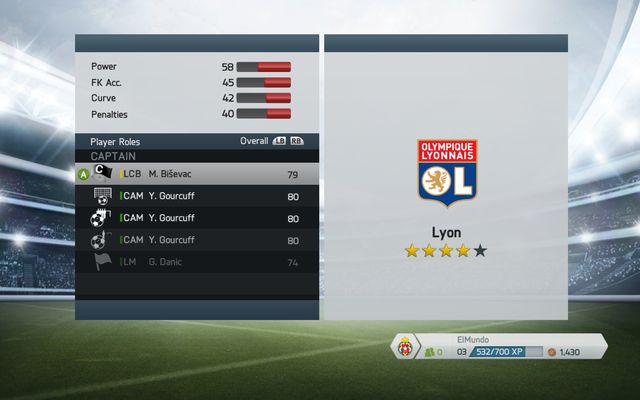
The next step is choosing the team in which you want to play at the beginning of your professional career - for the needs of the guide, it will be Juventus F.C.
Just like in the manager career, this screen lets you choose basic settings - the difficulty level, length of the half, financial discipline of the clubs that we'll be playing for and the currency used for transactions. It also lets you switch on or off the European cups and the first summer transfer window.
There are two types of players that you can choose from - you can create your own player or choose an already existing one and take control of his further fate.
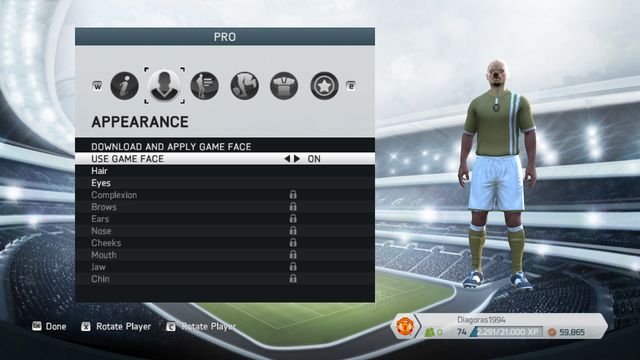
Creating your player avatar takes place in a rather easy creator - using it you can set not only personal data, but also the looks, physical attributes, skills and predispositions for different types of play.
The second option is choosing a player already in the previously selected club - this time we choose the well-known Andrea Pirlo.



- FIFA 14 Game Guide
- FIFA 14: Game Guide
- FIFA 14: Tactics
- FIFA 14: Choosing the right team and formation on the field
- FIFA 14: Own tactics, quick tactics and player roles
- FIFA 14: Manager career
- FIFA 14: Transfers and the global transfer network
- FIFA 14: National team manager
- FIFA 14: Player career
- FIFA 14: Creating a career
- FIFA 14: Player career menu
- FIFA 14: Playing in the field
- FIFA 14: Playing as a goalkeeper
- FIFA 14: Tactics
- FIFA 14: Game Guide
You are not permitted to copy any image, text or info from this page. This site is not associated with and/or endorsed by the developers and the publishers. All logos and images are copyrighted by their respective owners.
Copyright © 2000 - 2026 Webedia Polska SA for gamepressure.com, unofficial game guides, walkthroughs, secrets, game tips, maps & strategies for top games.