Flight Simulator X: Taxiing & parking Boeing 737-800
Then we stop the aircraft, switch off the strobe and landing lights and contact Ground station which will give us taxiing instructions. During taxiing we switch on the taxi lights and raise flaps. If you don't know where to taxi, use the Progressive Taxi aid mentioned before.
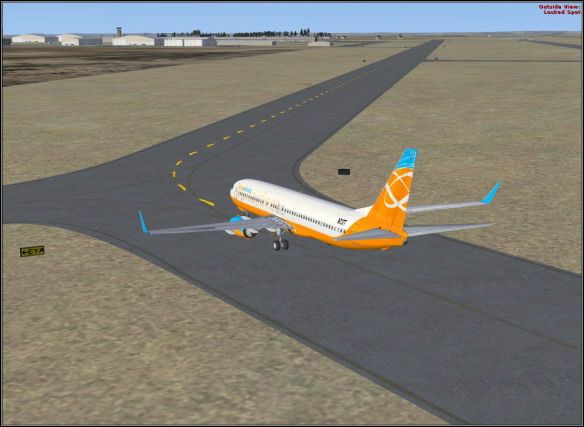
When the aircraft is parked in the desired spot, we may open the throttle quadrant and switch both fuel flow switches to CUTOFF position which will result in both engines shutdown. Now we switch off all lights except navigation lights. This is the end of our flight.


- Flight Simulator X Game Guide
- Flight Simulator X: Game Guide
- Flight Simulator X: Boeing 737-800
- Flight Simulator X: Aircraft selection |Boeing 737-800
- Flight Simulator X: Flight Planner Boeing 737-800
- Flight Simulator X: Weather and fuel Boeing 737-800
- Flight Simulator X: Preparation Boeing 737-800
- Flight Simulator X: Taxiing Boeing 737-800
- Flight Simulator X: Take-off Boeing 737-800
- Flight Simulator X: Flight Boeing 737-800
- Flight Simulator X: Preparation for landing Boeing 737-800
- Flight Simulator X: Landing Boeing 737-800
- Flight Simulator X: Taxiing & parking Boeing 737-800
- Flight Simulator X: Boeing 737-800
- Flight Simulator X: Game Guide
You are not permitted to copy any image, text or info from this page. This site is not associated with and/or endorsed by the developers and the publishers. All logos and images are copyrighted by their respective owners.
Copyright © 2000 - 2026 Webedia Polska SA for gamepressure.com, unofficial game guides, walkthroughs, secrets, game tips, maps & strategies for top games.