Resident Evil 3: Colors on the map - what do they mean?
This page of the Resident Evil 3 Remake guide explains the meaning of the various colors on the Raccoon City map. They are quite important, especially if you want to finish the game in 100%.
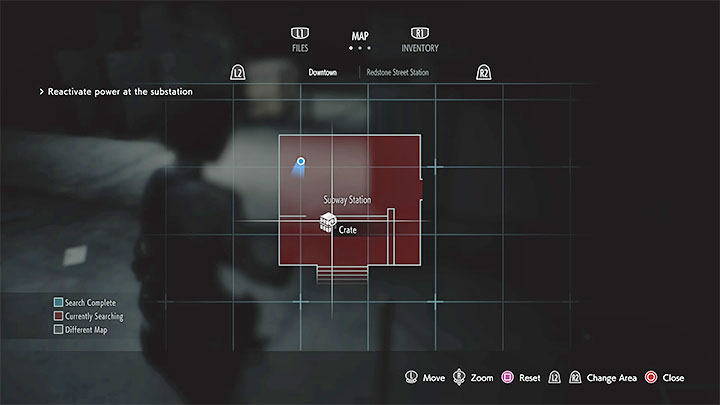
In RE3 Remake, the different areas and spaces on the Raccoon City map and other locations are marked with two different colors.
Red indicates that you have not found all items/loot in a given location. You may have to look for e.g. supplies (ammunition, herbs, gunpowder, etc.), breakable chests, plot-related items (e.g. keys), safes, or lockers.
Collectibles (documents, figurines, etc.) don't count when it comes to color markings. This means that the game can mark a room as explored even when it still contains secrets.
As for the items you can take with you, the red color will remain on the map even after you discover them. The game will only change color once all such objects are added to the character's inventory.
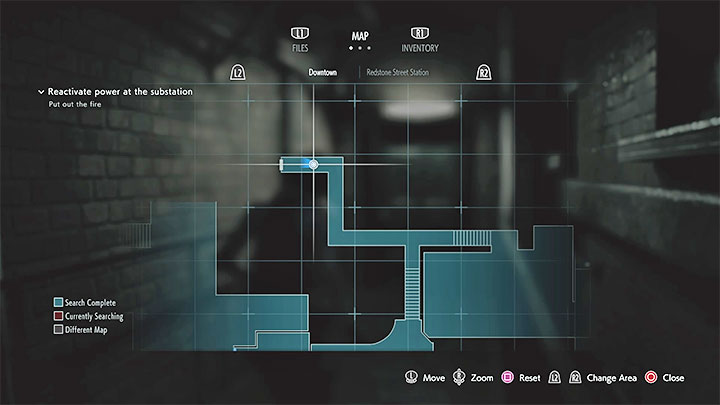
Blue indicates that you have collected 100% of the loot in a given location (ammunition, herbs, story items, etc.) and that you opened all safes, lockers and other similar objects.
Even if a given area is marked in blue, you should still explore it carefully to find some extra loot. The game doesn't take them into consideration when changing the color from red to blue.
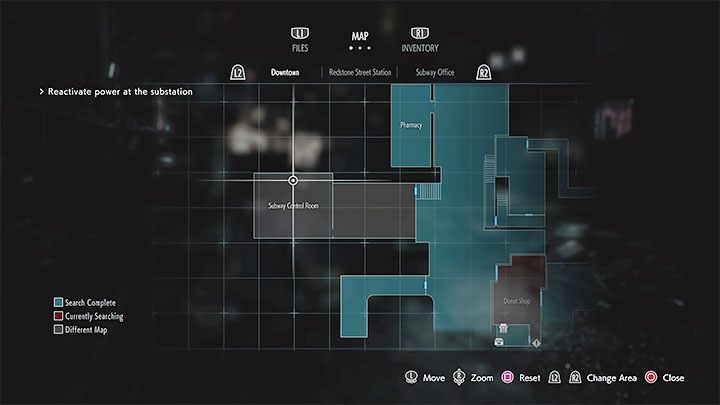
Separate and adjacent maps have been marked in grey. The game will only start displaying a new map of a particular location after you enter it.
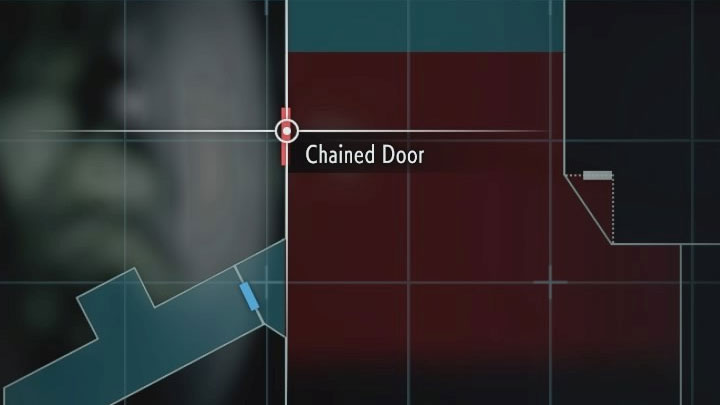
When viewing maps, we advise paying attention not only to the color markings but also to the additional information provided by the game. The maps mark primarily objects that can be destroyed or examined. The game also marks blocked passages - this can be helpful in determining where you have to go next. In the example in the picture above, the message refers to a door locked with a chain and the only way to cut it is to use the appropriate tool.
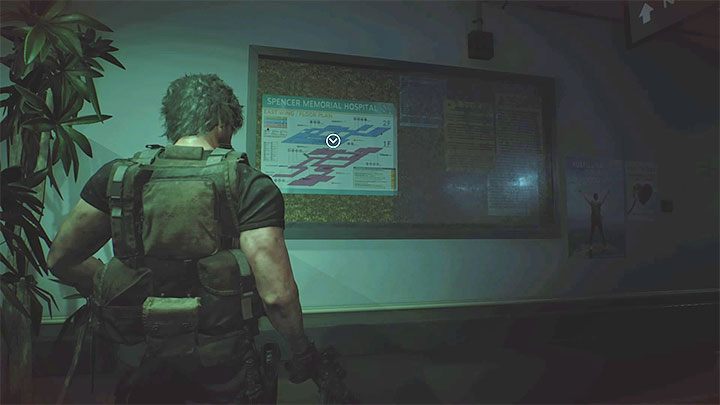
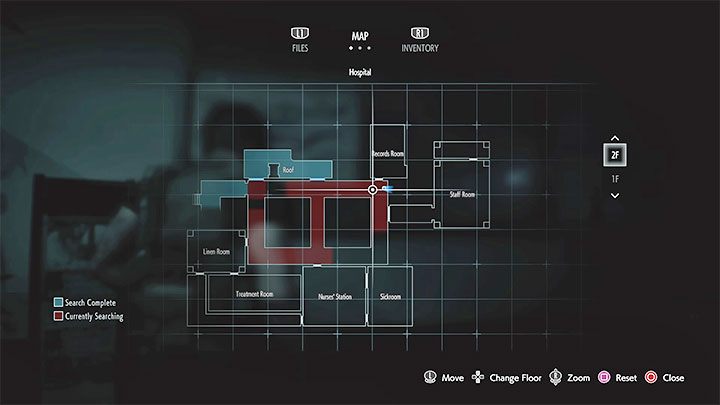
In some of the larger locations visited during the story campaign, you can find maps with room layout. After taking a map from the wall, all rooms that can be visited will appear on your map. Initially, all these rooms will be empty. It's a great way to check if a certain place has been explored in 100 percent.



- Resident Evil 3 Guide
- Resident Evil 3: Game guide
- Resident Evil 3: FAQ
- Resident Evil 3: Parasite - how to get rid of it?
- Resident Evil 3: Bonuses - how to unlock?
- Resident Evil 3: Rank S - how to get it?
- Resident Evil 3: Electronic locks - how to open them
- Resident Evil 3: Horde of zombies - how to defeat?
- Resident Evil 3: Should I play Resident Evil 2 first?
- Resident Evil 3: Colors on the map - what do they mean?
- Resident Evil 3: Saving and loading - how to?
- Resident Evil 3: Headshots and zombies - how to hit them?
- Resident Evil 3: Chains - how to cut them?
- Resident Evil 3: Inventory capacity - how to increase it?
- Resident Evil 3: Unnecessary items - what to do with them?
- Resident Evil 3: Dodges - how to perform?
- Resident Evil 3: Safes - how to open?
- Resident Evil 3: Padlocks - how to open them?
- Resident Evil 3: FAQ
- Resident Evil 3: Game guide
You are not permitted to copy any image, text or info from this page. This site is not associated with and/or endorsed by the developers and the publishers. All logos and images are copyrighted by their respective owners.
Copyright © 2000 - 2026 Webedia Polska SA for gamepressure.com, unofficial game guides, walkthroughs, secrets, game tips, maps & strategies for top games.