House Flipper 2: Is there an undo?
When laying the foundations of a new house or decorating the interior, you can sometimes make a mistake and want to undo that mistake. The undo option can be useful then. In our guide to House Flipper 2, we answer the question of whether you can undo actions.
Everyone makes mistakes, and it's no different for players who start creating or decorating their homes in House Flipper 2. That's why many fans of the series wonder if there is an undo option that could fix a previous mistake without any consequences. On this guide page, we will answer this question.
Can you undo action?
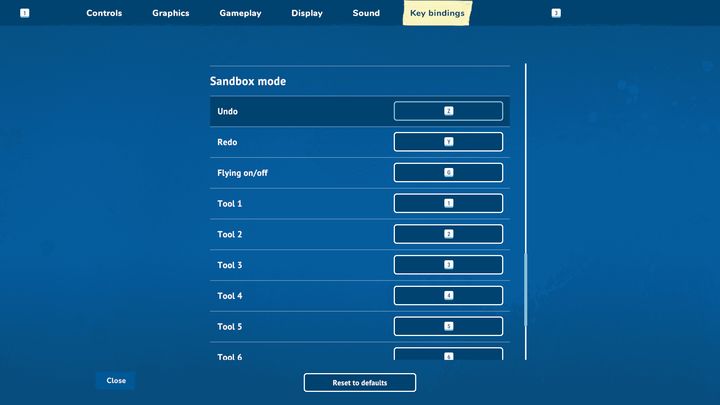
The good news is that the undo option is available in House Flipper 2. Unfortunately, it only applies to sandbox mode. If you make a mistake in normal game mode, where you accept orders, this option will not work. The only way to change a previous action, such as buying unwanted paint, is to sell it.
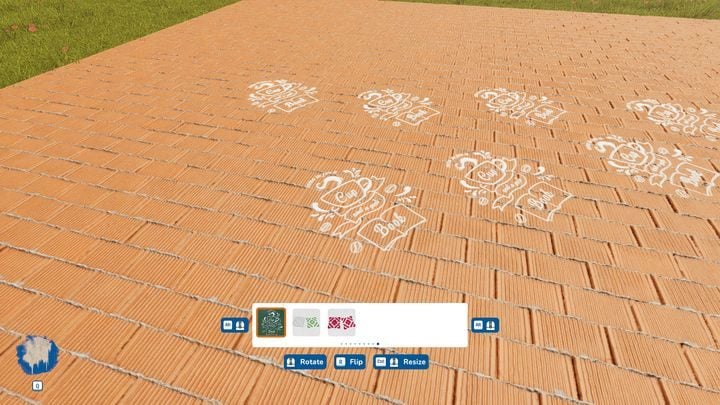
In sandbox mode, all you have to do to use the "undo" function is press the Z button on your keyboard. Then the last action you performed will be cancelled.



- House Flipper 2 Guide
- House Flipper 2: Game Guide
- House Flipper 2: FAQ
- House Flipper 2: What is the best way to make money?
- House Flipper 2: Can you build a house from scratch?
- House Flipper 2: Is there multiplayer?
- House Flipper 2: How to get 3 stars for a job?
- House Flipper 2: How to sell owned houses?
- House Flipper 2: Can the stairs and the roof be removed?
- House Flipper 2: Is there an undo?
- House Flipper 2: FAQ
- House Flipper 2: Game Guide
You are not permitted to copy any image, text or info from this page. This site is not associated with and/or endorsed by the developers and the publishers. All logos and images are copyrighted by their respective owners.
Copyright © 2000 - 2026 Webedia Polska SA for gamepressure.com, unofficial game guides, walkthroughs, secrets, game tips, maps & strategies for top games.