Returnal: Lockdown - how to remove it?
This page of the Returnal guide explains what a lockdown is – it can occur during your playthrough. We also suggest what you should do to cancel the lockdown so you can continue exploring.
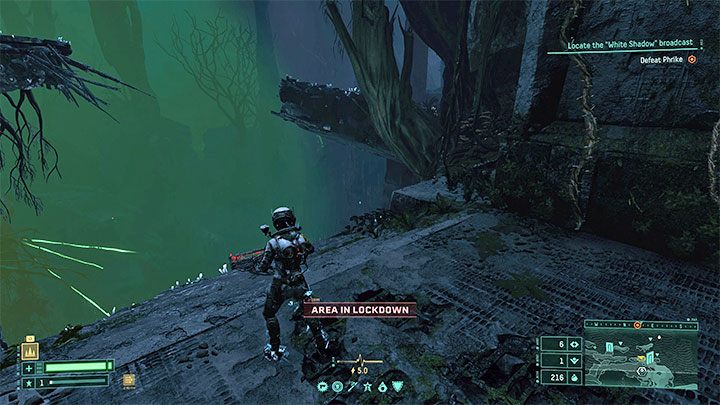
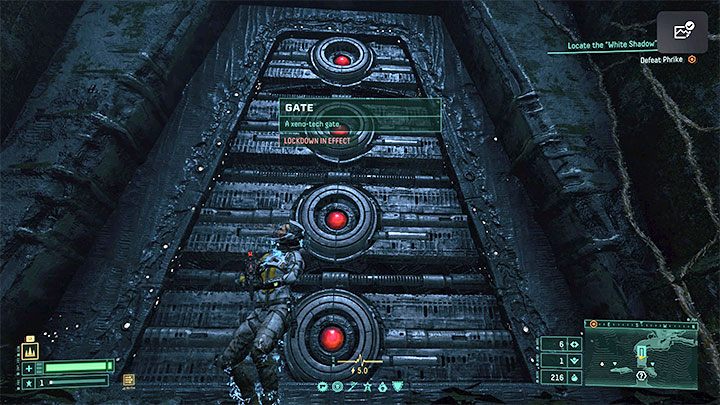
When you enter a new location, you may receive an Area in Lockdown message. This means that you cannot leave the area because all exits have been temporarily blocked. You will have to perform actions that will end the lockdown.
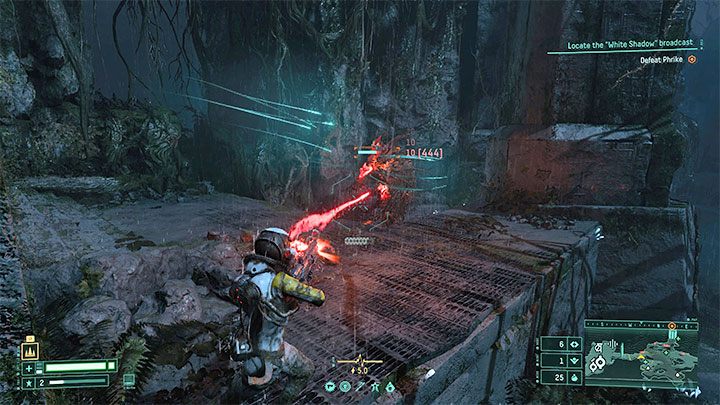
The most common reason for the lockdown is the appearance of a strong opponent in the area. It can be a slightly more durable variation of the standard monster or a mini-boss. If you want to leave a given location as quickly as possible, focus mainly on attacking that elite opponent.
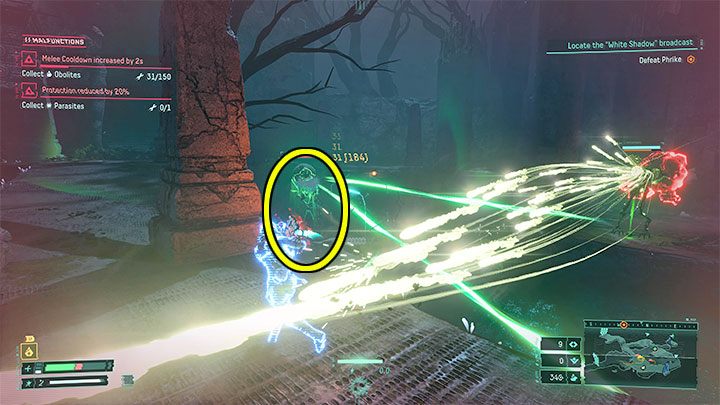
Another reason for the lockdown may be the presence of an enemy support device. It can be, for example, a green tower similar to the one in the picture. To end the lockdown, you must destroy this object.
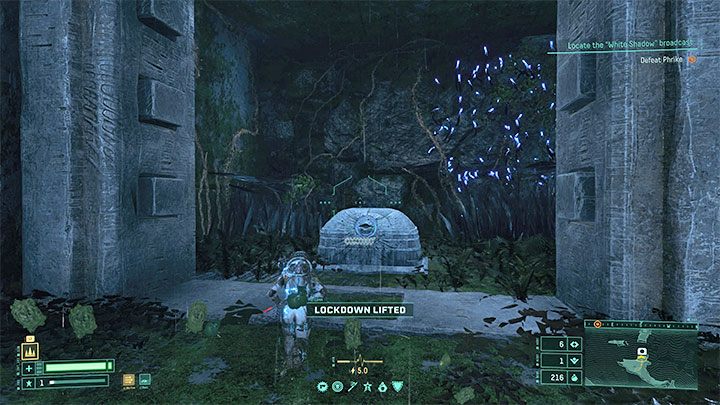
After ending the lockdown, the game will display the Lockdown Lifted information.



- Returnal Guide
- Returnal: Game Guide
- Returnal: FAQ
- Returnal: Combat
- Returnal: Melee weapons/hand-to-hand combat - how to unlock?
- Returnal: Alt-Fire/Alternate attack - how to unlock?
- Returnal: Lockdown - how to remove it?
- Returnal: Death - how to die less?
- Returnal: Shields - are they available?
- Returnal: Enemy's barrier - how to destroy?
- Returnal: Healing - how to restore health?
- Returnal: Malfunctions - how to fix?
- Returnal: Severed - how to defeat enemies?
- Returnal: Stagger - how to stun enemies?
- Returnal: Combat
- Returnal: FAQ
- Returnal: Game Guide
You are not permitted to copy any image, text or info from this page. This site is not associated with and/or endorsed by the developers and the publishers. All logos and images are copyrighted by their respective owners.
Copyright © 2000 - 2026 Webedia Polska SA for gamepressure.com, unofficial game guides, walkthroughs, secrets, game tips, maps & strategies for top games.