Doom Eternal: A PC in the Fortress of Doom - why is it there?
Last update:
On this page of our guide to Doom Eternal you will find out more about the old computer (old PC) located in Doom Slayer's quarters in the Fortress of Doom. This computer has two locked files: File 1 and File 2, so you won't be able to use them at the beginning of the game.
- Where's the old PC in Doom Eternal?
- How do I unlock file 1 and file 2 on the old computer?
- Requirements to unlock the classic Doom 1 version
- Password required to unlock classic version of Doom 2
Where's the old PC in Doom Eternal?
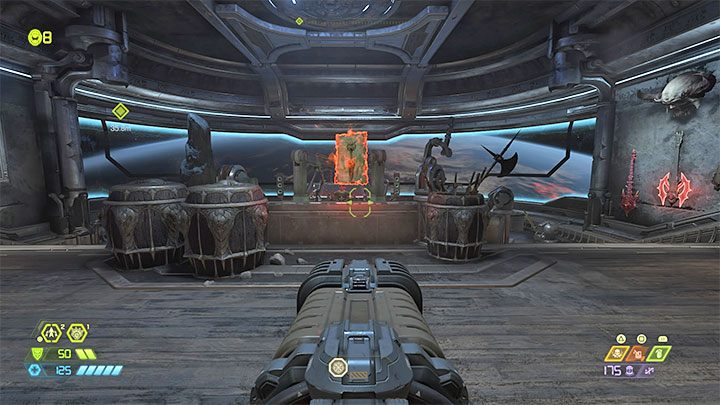
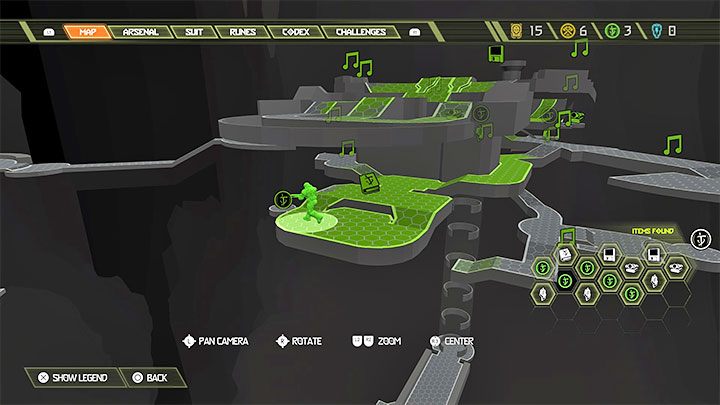
As a reminder, Doom Slayer's room is located under the Captain's Bridge aboard the Fortress of Doom, the hub visited between missions.
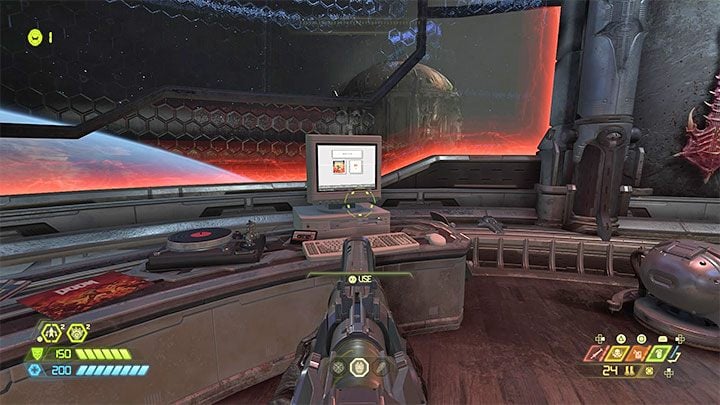
The old PC is running on one of the tables.
How do I unlock file 1 and file 2 on the old computer?
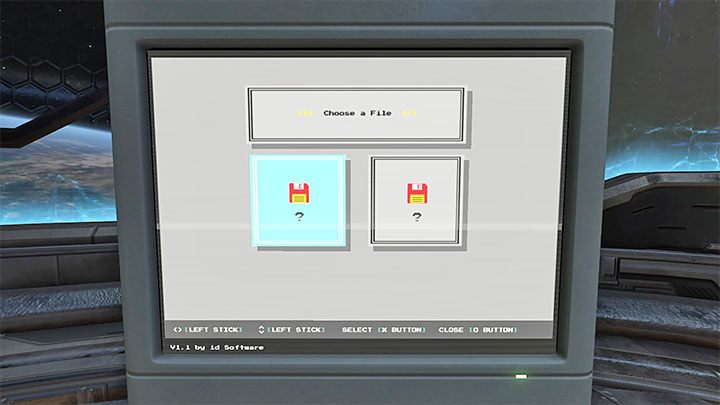
If you try to interact with the computer, you will notice that File 1 and File 2 are both disabled. Additionally, File 2 asks for a password. Disabled files are classic versions of Doom and Doom 2: Hell on Earth. Unfortunately, they can't be activated right away.
Requirements to unlock the classic Doom 1 version
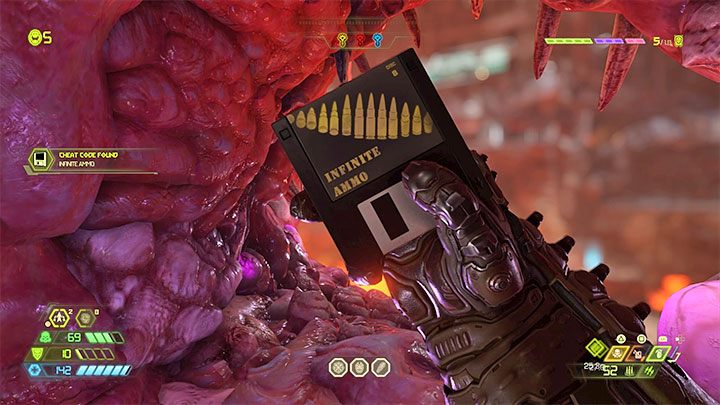
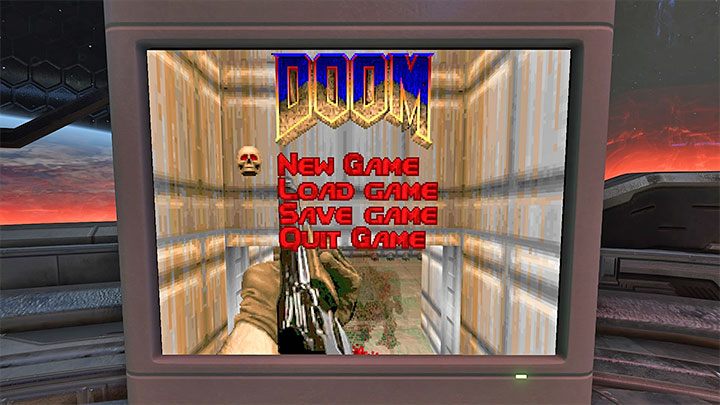
In order to unlock File 1 (Doom 1) you have to find all floppy disks with cheat codes in the game world. They are one of the collectibles which can be found in the game world of Doom Eternal. Once you return to the computer and select File 1, you can play Doom 1.
Password required to unlock classic version of Doom 2
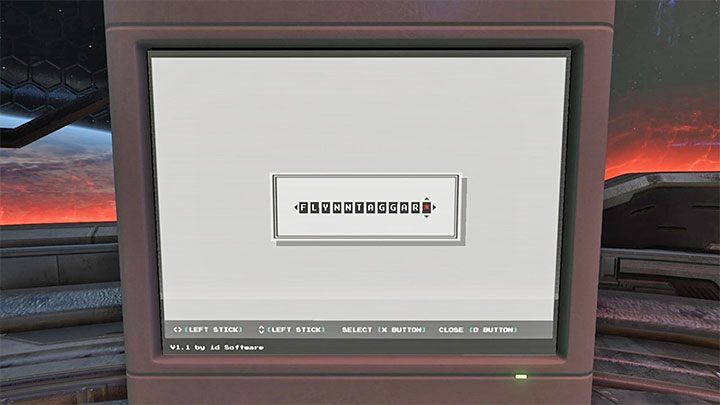

To unlock File 2 - Doom 2, you need to enter the correct password - it's: FLYNNTAGGART. Select the next letters of the password one by one. After you have correctly entered the password, then Doom II: Hell on Earth will be available instead of File 2.
{ramkaniebieska}You can find out more about this topic in other sections of our guide - How to play classic versions of Doom 1 and Doom 2? and Cheat codes.{ramkaniebieska}


- Doom Eternal Guide
- Doom Eternal: Game Guide
- Doom Eternal: FAQ
- Doom Eternal: Campaign
- Doom Eternal: What do I need to know before I start playing?
- Doom Eternal: How long will it take to complete the game?
- Doom Eternal: Downloading the game - when can I start?
- Doom Eternal: Mission challenges - how can I unlock them?
- Doom Eternal: Cheat codes - how can I unlock them?
- Doom Eternal: Appearance of the hero - how to change it?
- Doom Eternal: Classic Weapon View - how can I enable it?
- Doom Eternal: Photo mode - how to start?
- Doom Eternal: Classic Doom 1 and Doom 2 - how can I play?
- Doom Eternal: Point of no return - is there any in the game?
- Doom Eternal: A PC in the Fortress of Doom - why is it there?
- Doom Eternal: Gameplay - how does it look like?
- Doom Eternal: Campaign
- Doom Eternal: FAQ
- Doom Eternal: Game Guide
You are not permitted to copy any image, text or info from this page. This site is not associated with and/or endorsed by the developers and the publishers. All logos and images are copyrighted by their respective owners.
Copyright © 2000 - 2026 Webedia Polska SA for gamepressure.com, unofficial game guides, walkthroughs, secrets, game tips, maps & strategies for top games.