How to unlock Butcher skin in Doom the Dark Ages. It seems that some players have problems
Getting a free Butcher skin in Doom the Dark Ages is possible. Here you will learn how to do it and resolve problems with claiming it, if there are any.

After spending a couple of days in Advanced (Early) Access, Doom The Dark Ages is now available to all fans of ripping and tearing. Despite the price of the game being steep, a lot of players have given it a try (via SteamDB) and judging by Steam reviews, as well as our own, it is a very successful entry in Doom franchise. If you do not enjoy the Slayer’s classical greenish-tint look, it is possible to get an alternative for free. However, obtaining it can be problematic at times, so here you will learn all you need to know about unlocking Butcher skin.
- How to unlock Butcher skin in Doom The Dark Ages
- Issues with claiming Butcher skin in Doom The Dark Ages
How to unlock Butcher skin in Doom The Dark Ages
The times when we could just simply download a file and install it or add to a proper folder on a drive are past us (if we do not count mods, of course). Nowadays, it is necessary to log in and redeem a prize on developers’ website to get the goods. This is exactly what is required if you would like to get a free, alternative skin called Butcher for the Slayer in Doom The Dark Ages.
To get the new protagonist visuals offered by Bethesda, you have to follow the steps below:
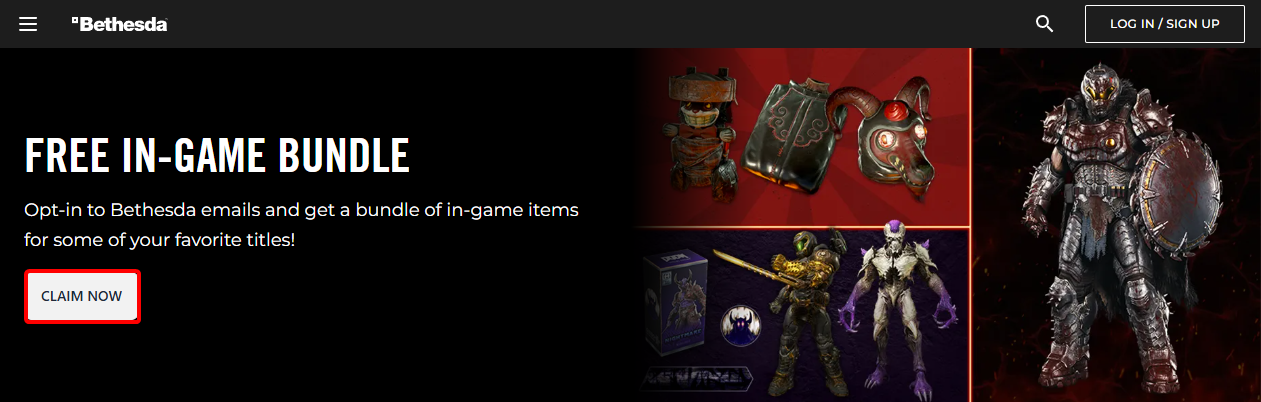
- Go to the bundle page (you can do it also using a QR code in the Extras section in-game) and click on “CLAIM NOW” button near the very top of the webpage.
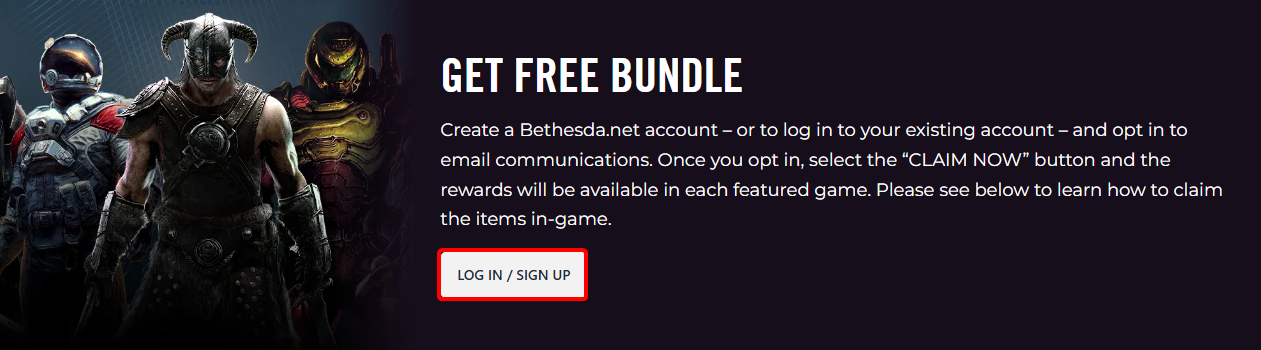
- Next, you will be redirected to a page where you will need to log into your Bethesda.net account. Make sure to use the same one that you are using in the game itself!
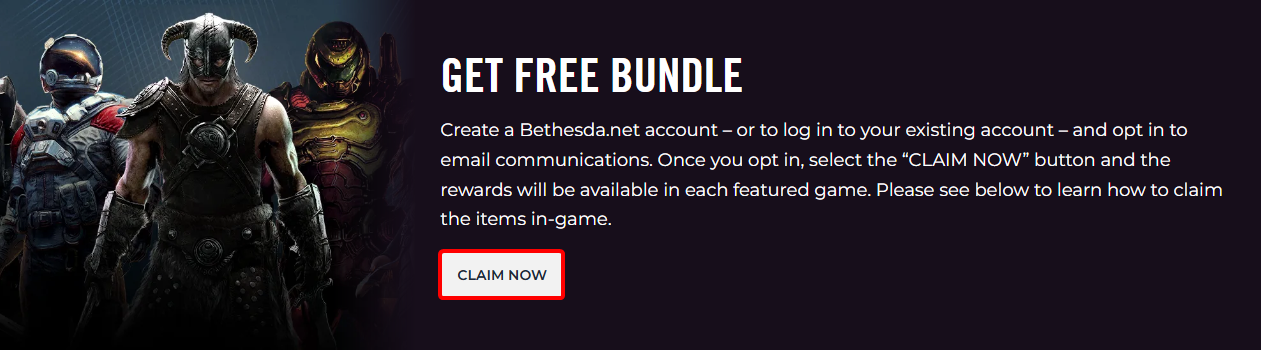
- After successfully logging in (or creating an account and verifying the email address), you should be able to get back to the previous page and instead of “LOG IN / SIGN UP” button, you should see “CLAIM NOW”. If it’s still not appearing, try refreshing the page while making sure that you’re logged in correctly.
Remember, that claiming Butcher skin is connected with agreeing for marketing communication. Do not be surprised by additional emails from Bethesda. If you would like to avoid it, you can always change this setting afterwards in “Marketing Preferences” of your account.
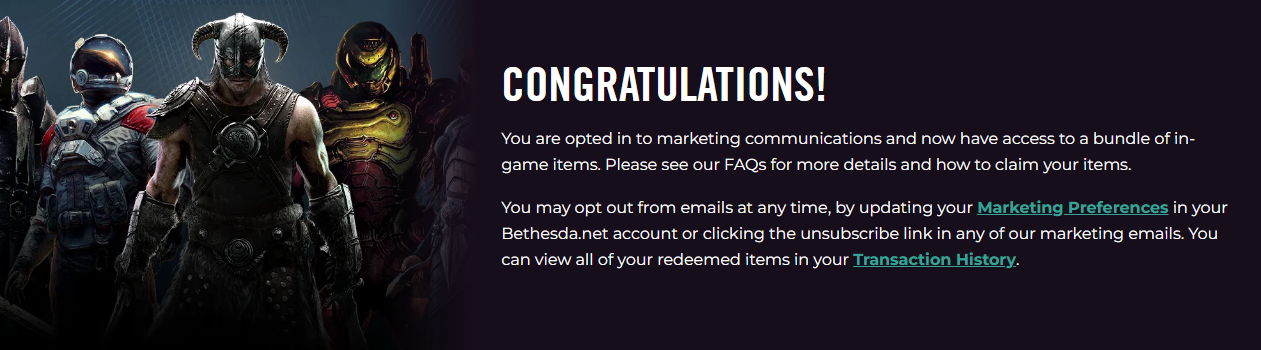
- With the “CLAIM NOW” button clicked, you should see an information about opt-in to marketing communications and being able to use the skin.
- The very last step is going back into the game, selecting “Extras” from main menu and choosing the desired skin for the Slayer.
Also, it’s worth keeping in mind that the offer to claim the bundle ends on June 27, 2025 at 10AM ET. If you would like to get it, make haste. Additionally, you can check Nvidia for Verdant skin (if you are eligible) and be on a lookout for Twitch Drops that are granting Guardian skin.
Issues with claiming Butcher skin in Doom The Dark Ages
There are reports from players that activating the bundle is not always successful and it does not grant them Butcher skin. If this has happened to you the way to fix it is to restart the game and double-check that Doom The Dark Ages is connected to the same Bethesda.net account that you have used when claiming the bundle on the webpage.
Remember, that there is no additional code or anything that you would use in game to get the skin. Clicking the button on the page while being logged in it should be enough to claim the reward. To verify if the skin has been added to your account, you can check “Transaction History” page after logging in on Bethesda.net website, and selecting your profile in the top right corner.
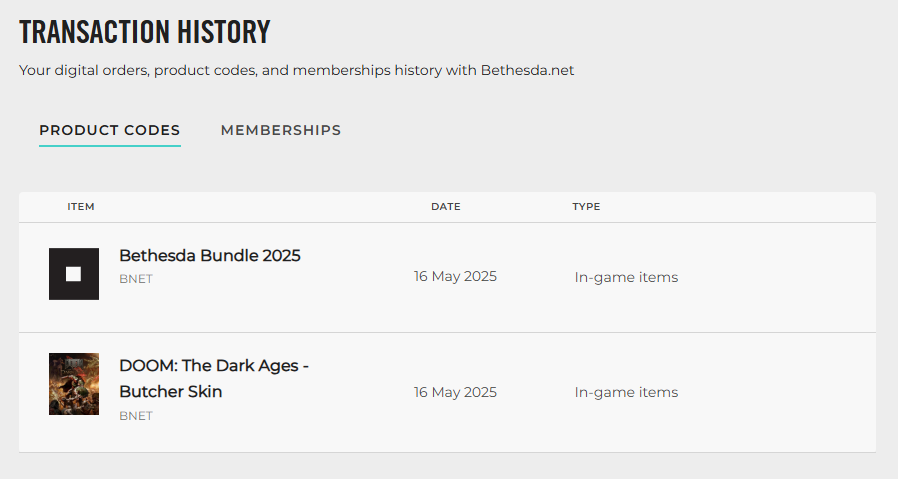
Hopefully, with that done you will be able to rip and tear with style. Good luck and have fun!


0

Author: Aleksander Kartasinski
Just a random from the depths of the internet who happens to be interested in video games like millions of other people on this planet. By sheer luck he was given a chance to write about them. Worked in IT department and supported users for way too long, but also given a chance to do some IT magic on a large scale in his free time. Interested in technology, games with intriguing mechanics, etymology, and linguistics.

Latest News
- The free version of the cult classic shmup Tyrian has been updated after 4 years
- A new Nod campaign has been added to The Dawn of the Tiberium Age, a freeware Command & Conquer RTS
- Fans have removed the time limit from The Blood of Dawnwalker
- Empire II: Total War now with two extra historical campaigns
- Someone has remastered Medieval 2: Total War and Rome: Total War so well that the AI's moves are now calculated in a matter of seconds [Updated]