How to start a car in My Winter Car (MWC). Step by step guide, from starting engine to driving
My Winter Car is a difficult game. It does not hold your hand and even such simple activities as starting a car might be challenging. Let’s go through this process together.

After turning on My Winter Car, we can quickly see similarities to its predecessor – My Summer Car. One of the common features is high difficulty level. MWC is a sandbox that is focused heavily on simulation. Because of that, even such theoretically simply activity as sleeping can be problematic. There is something even more complicated, though. Let’s start and drive a car.
- How to start a car in My Winter Car
- How to Scrape Windows in My Winter Car
- How to start driving in My Winter Car
How to start a car in My Winter Car
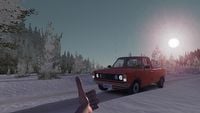
Players start MWC adventure in homes. However, after a few minutes of opening various doors and looking at the map, you will want to go outside and see your first car. After approaching it, many players find it difficult to even turn it on. Because of that, we have prepared a guide that will help you.
- First, turn on the ignition (don’t start the engine yet) and check if you have not left anything turned on – window heater (the light should be turned off), lights and so on – turn everything off. If it is your first ride, don’t worry about that, as everything is turned off by default.
- Next, fully pull out the choke (left mouse button), it can be easily missed, it is hidden behind the wheel. In real life, it is used to start the engine in old cars during a cold weather, it works the same way in MWC.
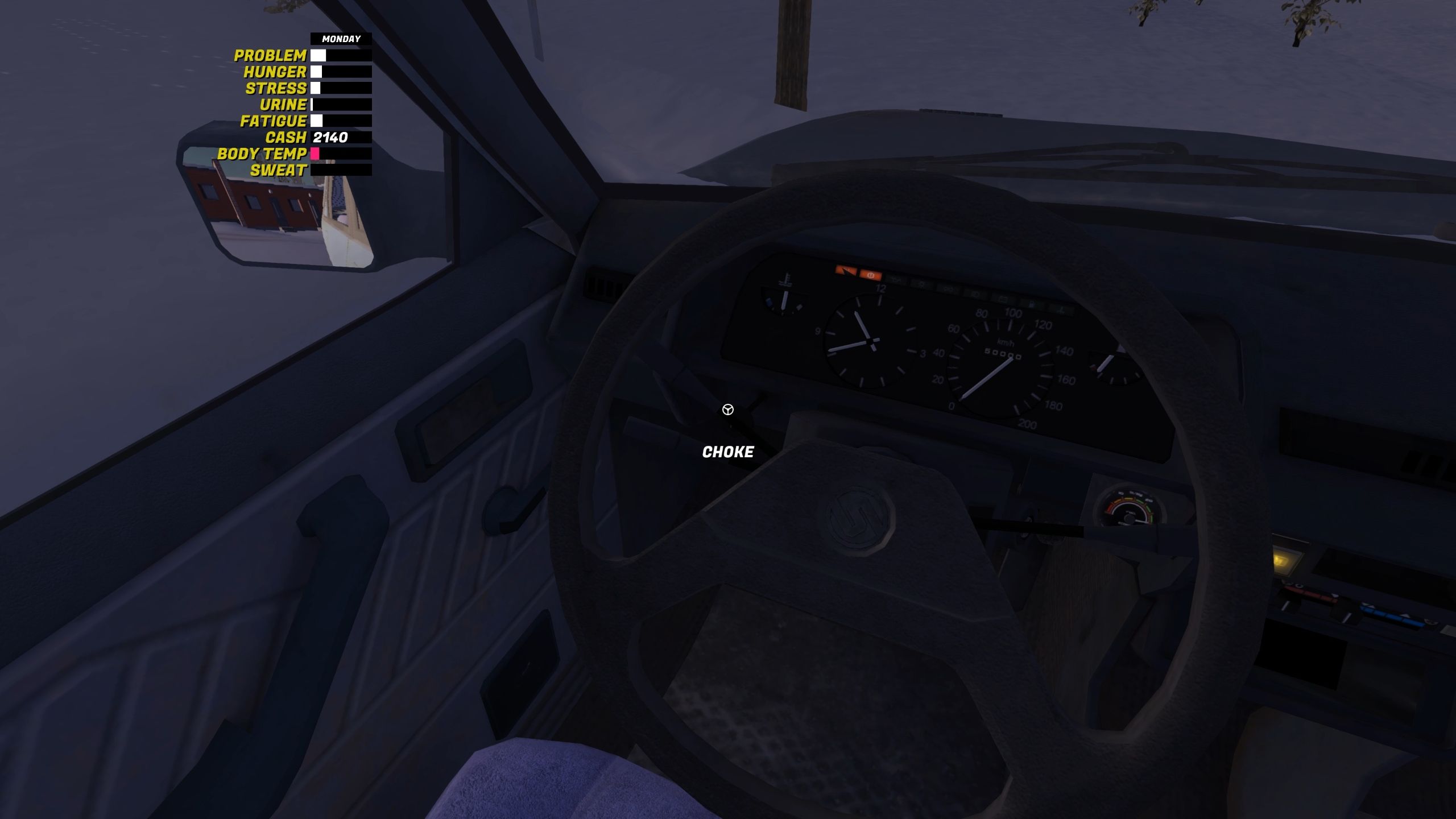
Source: My Winter Car, developer: Amistech Games
- Once you do that, start the engine. It should work. Leave it on and turn off the most necessary things – window heater and blower. These two buttons are marked on the screen below. They will help you scrape windows.
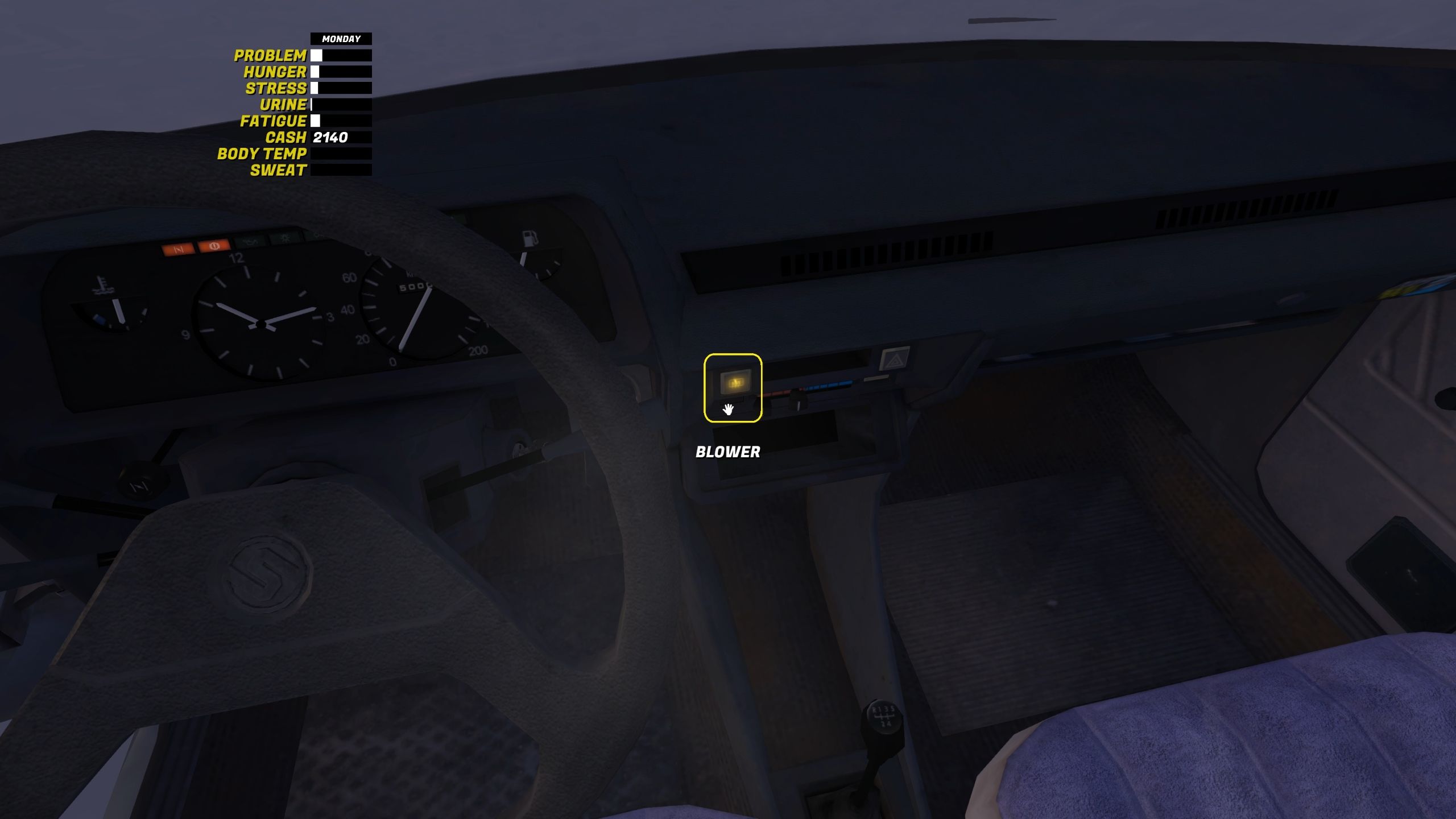
Source: My Winter Car, developer: Amistech Games
- Release the choke (right mouse button).
How to Scrape Windows in My Winter Car
After starting a car and turning on window heater and blower, you can get out of the car and scrape. Technically, you can do that even earlier but without window heater it takes ages. Moreover, windows are foggy without blower, so you would not see anything either way.
When you scrape, remember to hold the left mouse button and move it. You need to hear a sound to be sure that you do everything properly. If you do not hear it, initiate the action once again. After some time, you should see changes on a window.
How to start driving in My Winter Car
With clean windows and engine on, you can start the car.
- Go back to the car and make sure that you closed the door. You need to hear a slam sound.
- Next, you might want to turn on lights, they are on the left side of the wheel.
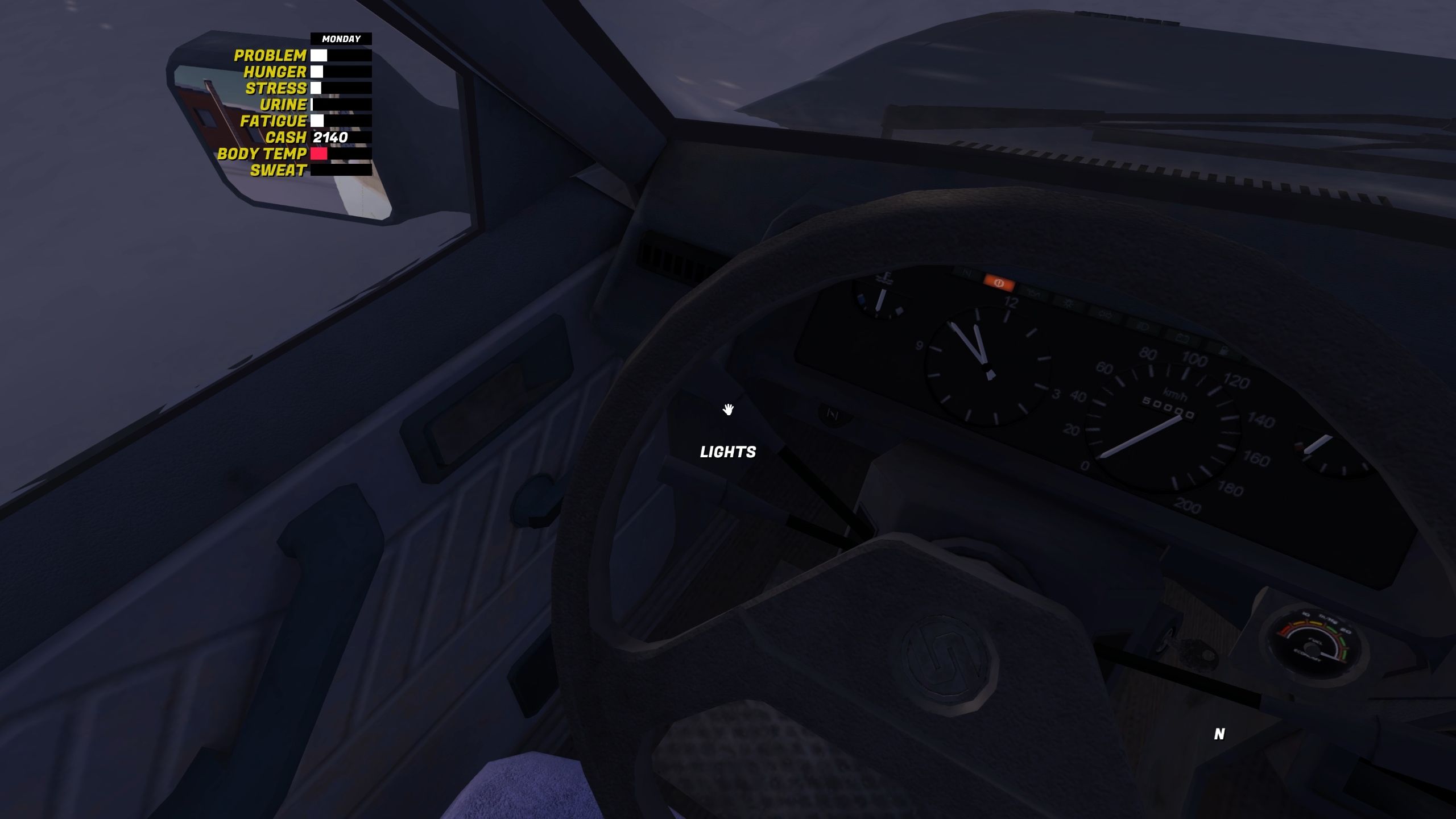
Source: My Winter Car, developer: Amistech Games
- Remember about your hand break. It’s between front seats. You release it with right mouse button (the car is ready to drive) or pull it up with the left button (when you want to stop).
- Next, enter the Driving Mode by pressing enter.
- Finally, you need to press the proper break. I had no luck with shortcuts on my keyboard, the only thing that works for me is G (gears forward) and B (gears backward). If you are reading this, it means that you have never started the engine in MWC before. So, start with R – the car will go backwards. Next, you can change it to 1 and above, once you have proper speed, to drive forward.
- Meaningful decisions through limited choice. How the devs behind Tiny Bookshop were inspired to design their hit cozy game
- Ellie from The Last of Us inspired the creature in Bruce Straley's new game
- Interest in Clair Obscur: Expedition 33 has exploded once again thanks to The Game Awards 2025. There's at least two pieces of evidence to prove it

0

Author: Damian Gacek
Graduate of English Philology and English in Public Communication. His portfolio includes a scientific article on video game translation. Working with Gamepressure.com since 2019, writing for various departments. Currently, deals with guides and occasionally supports the newsroom. Interested in electronic entertainment since childhood. Loves RPGs and strategies, often also immersing himself in the depths of indie games. In his free time, works on a book and learns film editing.

Latest News
- A fan has enhanced and fixed the classic Ultimate Spider-Man for PC
- Because of the final boss, I never gave up on entire genre, but the wonderful Rayman 2: The Great Escape hasn't aged a bit
- The free version of the cult classic shmup Tyrian has been updated after 4 years
- A new Nod campaign has been added to The Dawn of the Tiberium Age, a freeware Command & Conquer RTS
- Fans have removed the time limit from The Blood of Dawnwalker