Dying Light The Beast: How to throw a weapon?
Can you kill enemies at a distance in Dying Light The Beast? From this guide page you will learn how to use ranged weapons, how to throw them and in what situations to use them.
Throwing a weapon may seem risky, but in Dying Light The Beast, it's a valuable skill that can save your life. Imagine that you throw a damaged machete into a gas bottle to cause a huge explosion - that sounds like a great plan! If you're wondering how to do it, our guide explains everything step by step.
How to throw a weapon?
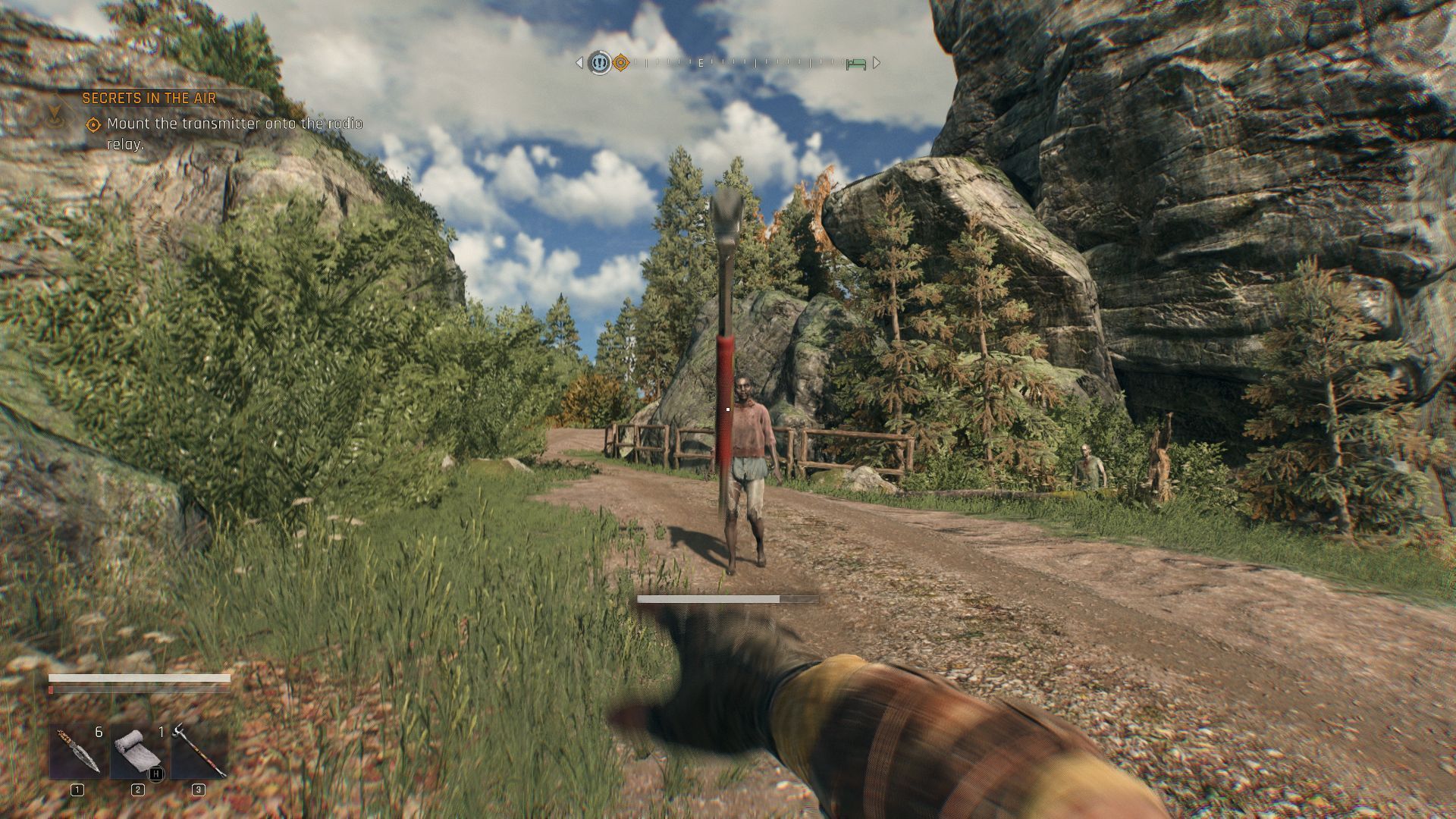
To throw a weapon, charge a strong attack, and then, while still holding the button, use the weapon throw button:
- Mouse and keyboard - hold down the left mouse button, then press F.
- Controllers - hold down R2/RT, then press R3.
What is the point of throwing a weapon?
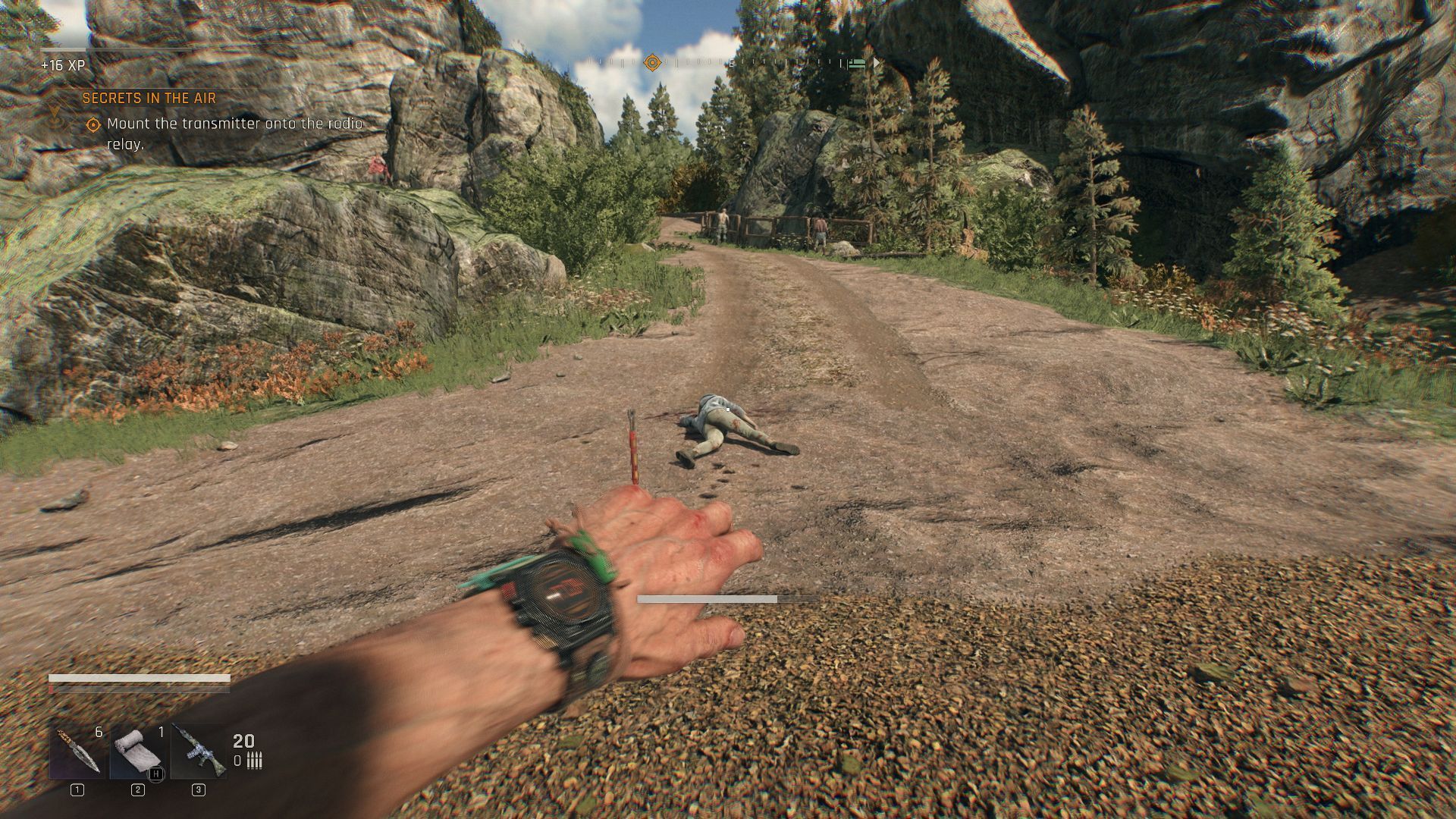
Throwing your weapon sounds counterintuitive, however, this can have several uses. For example:
- When you are low on health and want to finish off an opponent, throwing a weapon can be a great idea. Blunt weapons can stun and knock down an opponent, while slashing weapons can kill an enemy with a single throw.
- When the weapon is worn out and you want to make a gas cylinder explode. Throwing a weapon at this object from a safe distance can kill a large number of enemies.



- Dying Light The Beast Guide
- Dying Light The Beast: Game Guide
- Dying Light The Beast: FAQ
- Dying Light The Beast: How to earn money?
- Dying Light The Beast: How to kill the Volatiles?
- Dying Light The Beast: How to gain experience?
- Dying Light The Beast: Are there guns?
- Dying Light The Beast: Are there vehicles?
- Dying Light The Beast: Do vendors reset?
- Dying Light The Beast: Is there a respec?
- Dying Light The Beast: How to get a grapling hook?
- Dying Light The Beast: How to defeat enemies in the Good vibrations mission?
- Dying Light The Beast: How to get the Crane on monument achievement?
- Dying Light The Beast: How to open the school safe?
- Dying Light The Beast: How to get a convoy access card?
- Does Dying Light The Beast have fast travel?
- Dying Light The Beast: How to save the game?
- Dying Light The Beast: How to throw a weapon?
- Dying Light The Beast: Is there a UV Bar blueprint?
- Dying Light The Beast: FAQ
- Dying Light The Beast: Game Guide
You are not permitted to copy any image, text or info from this page. This site is not associated with and/or endorsed by the developers and the publishers. All logos and images are copyrighted by their respective owners.
Copyright © 2000 - 2026 Webedia Polska SA for gamepressure.com, unofficial game guides, walkthroughs, secrets, game tips, maps & strategies for top games.