Dying Light The Beast: Upgrading and repairing equipment
The Dying Light series is known for the fact that items can break irreparably. Therefore, it is important to understand how to deal with damage and how to upgrade and repair damaged weapons. You can read about it in our guide to Dying Light The Beast.
Weapons in Dying Light The Beast wear out quickly and can be irreversibly damaged, so understanding the mechanics related to their maintenance is crucial. On this page, you will learn how to take care of your equipment so that it serves you as long as possible. We explain here how to repair and modify weapons, when is the best time to do it, and how to slow down the process of their deterioration.
- How to check a weapon's condition?
- How to repair weapons?
- When to repair weapons?
- How to slow down the process of a weapon deteriorating?
- How to improve and modify weapons?
How to check a weapon's condition?

The weapon status is always displayed in the lower left corner of the screen, under the health bar. If the square turns red, you have reached a critical moment where the weapon may break down. When you notice a red glow, repair it as soon as possible, otherwise the weapon will become useless. It will deal significantly reduced damage compared to the repaired version.
How to repair weapons?
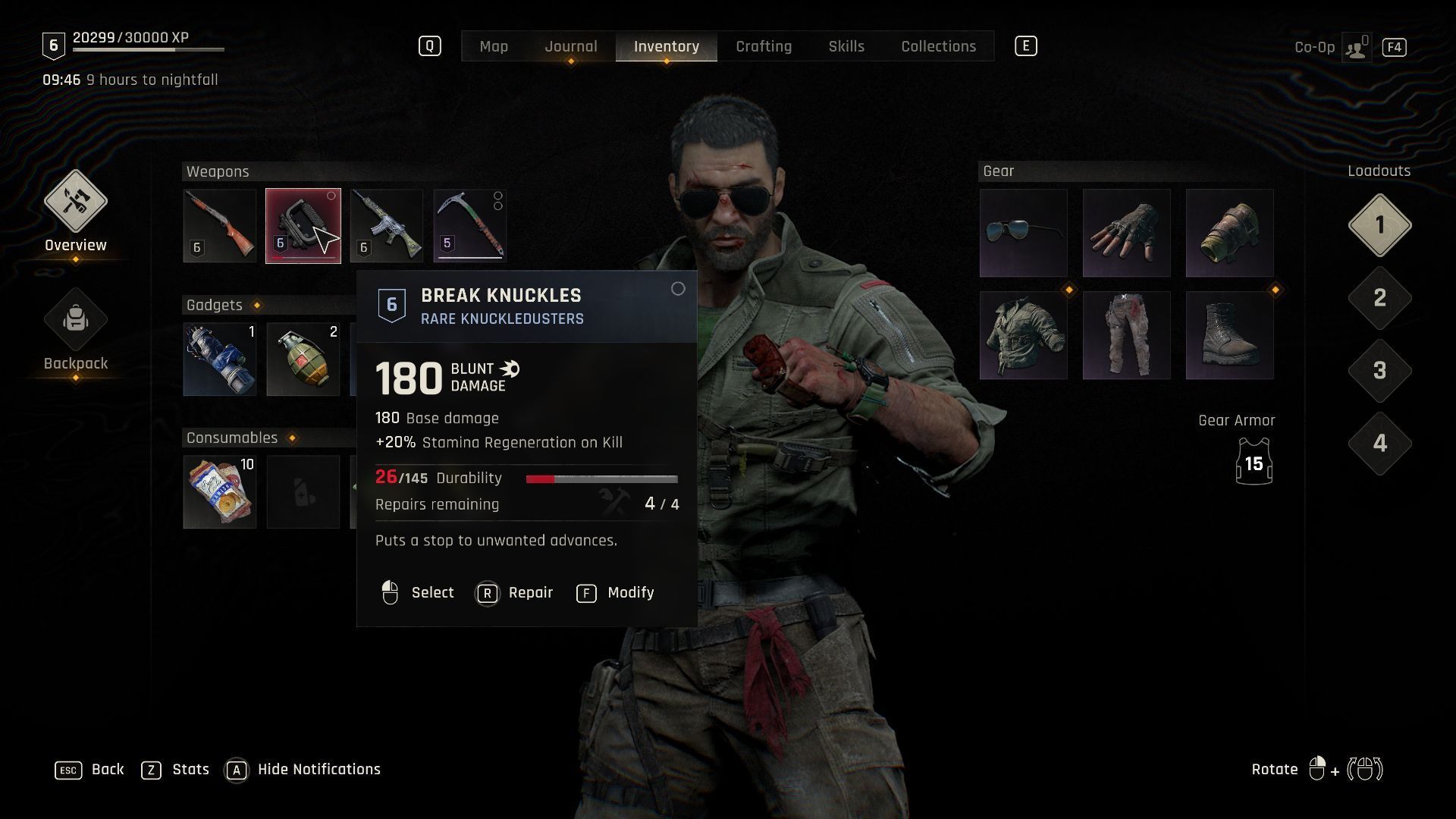
To make a repair, you don't need a workbench. Simply have the appropriate amount of materials. Repairs of worn-out weapons can be done in two ways:
- Select a broken weapon in the radial menu, and then press the appropriate button.
- Open the equipment tab. This is a slower method, but it allows you to check how much of the weapon's durability remains and how many times it can be repaired before it becomes impossible.
When to repair weapons?
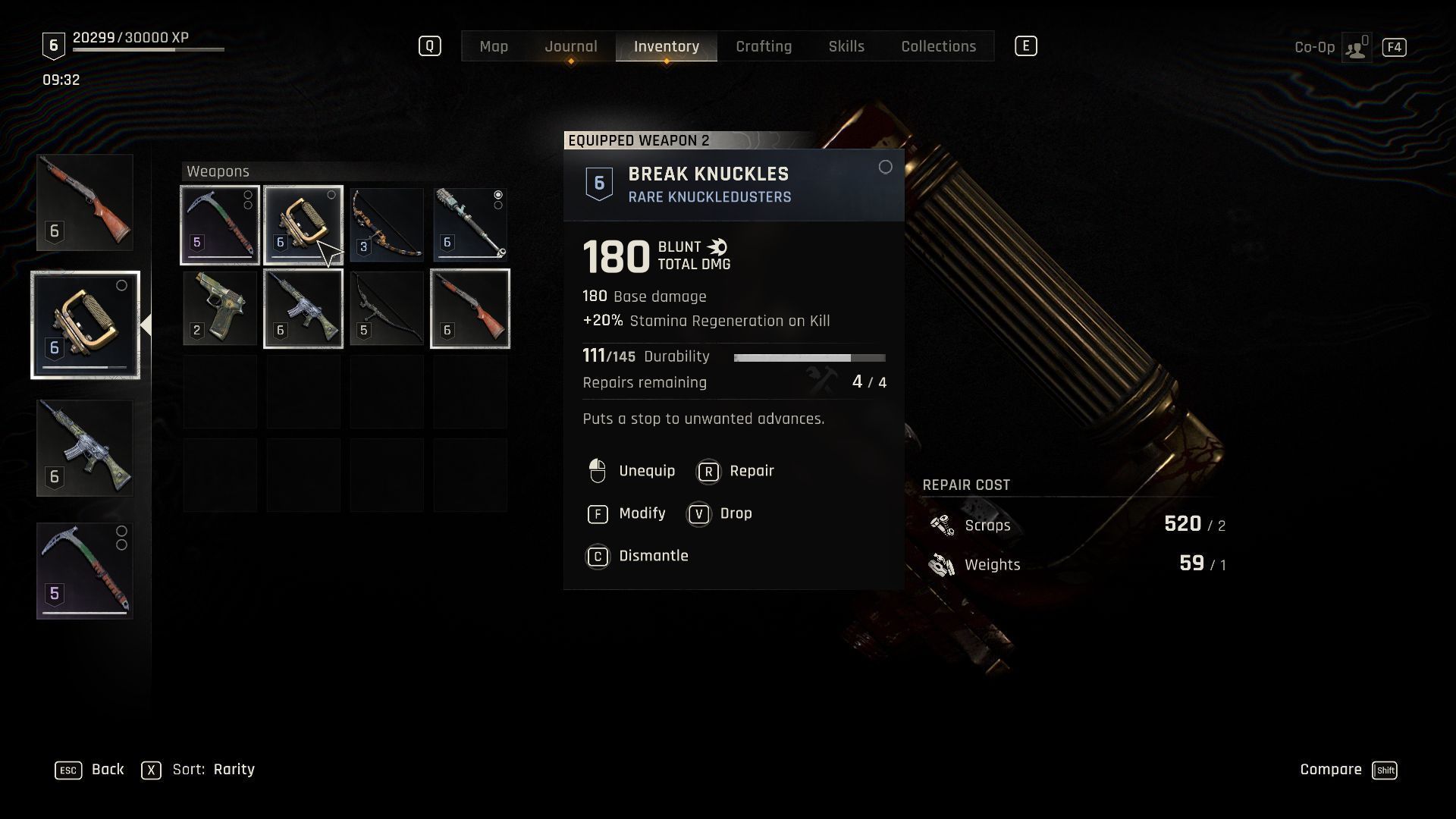
As late as possible. Repair restores the entire durability of the weapon. This means that you should wait until the last moment to repair them. Especially since each weapon has a certain number of repairs. Therefore, to maximize their lifespan, make repairs only when the weapon is close to becoming broken.
How to slow down the process of a weapon deteriorating?
Some weapons wear out slower because they have more durability points. Nevertheless, there are also modifications to weapons that will help extend their durability. In Kyle skill tree, there is a certain ability called Efficient Fighting. It slowes down the process of weapons deterioration. If you don't like constant changes in your equipment, it's worth considering purchasing this passive ability.
How to improve and modify weapons?
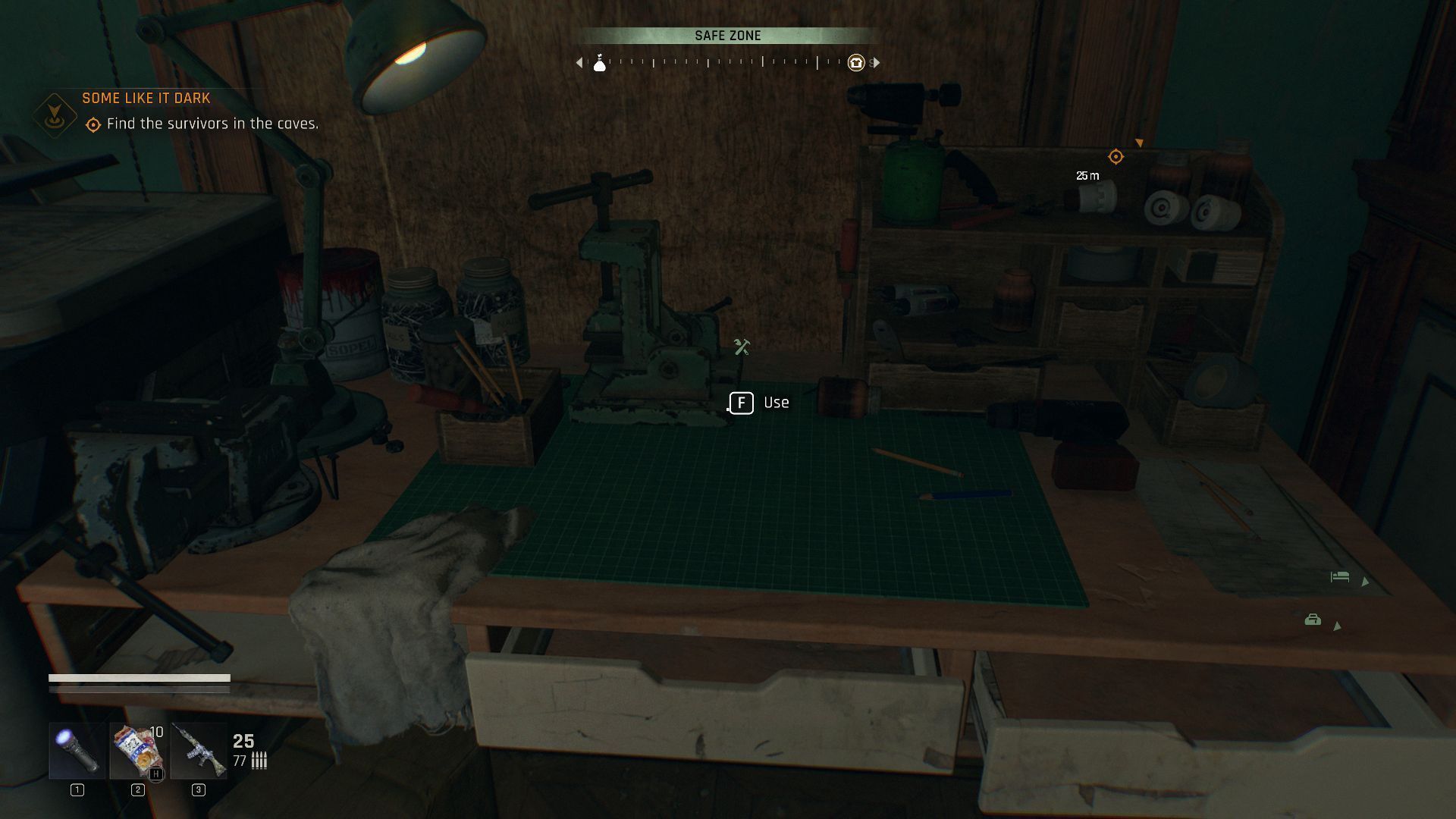
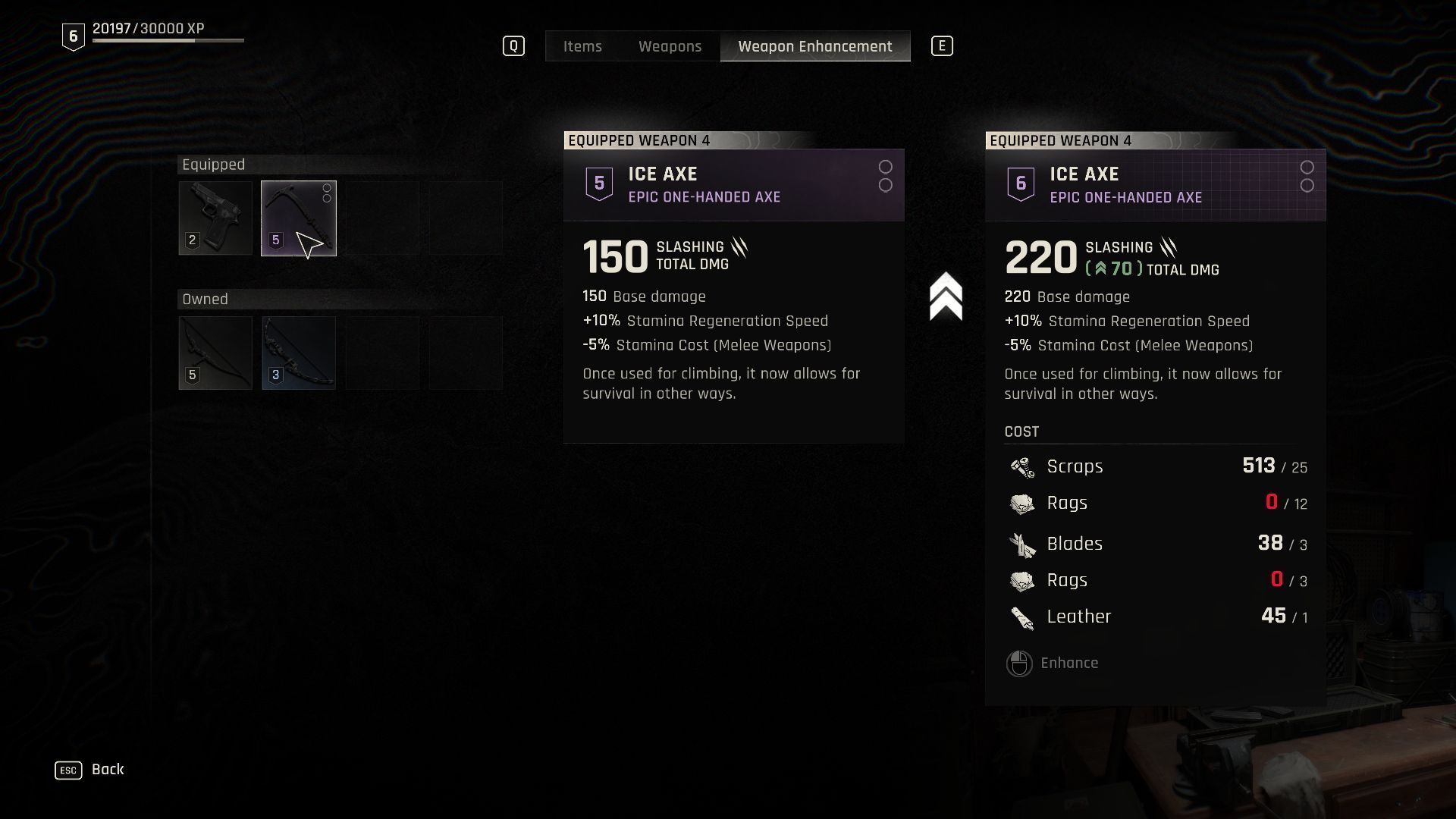
To upgrade a weapon, you will need a workbench. There, select the Weapon Enhancement tab, then hover over the one whose statistics you want to increase. Of course, you will need the appropriate materials for this.
In case of modifying your weapons, all you need to do is go to your equipment and click Modify. There you will be able to install the modifications you own.



You are not permitted to copy any image, text or info from this page. This site is not associated with and/or endorsed by the developers and the publishers. All logos and images are copyrighted by their respective owners.
Copyright © 2000 - 2026 Webedia Polska SA for gamepressure.com, unofficial game guides, walkthroughs, secrets, game tips, maps & strategies for top games.