Cyberpunk 2077: How to call vehicle?
On this page of the Cyberpunk 2077 guide, we suggest how to call a car belonging to V (in a similar way to calling Roach in The Witcher 3 Wild Hunt). You will also learn how to choose between your vehicles.
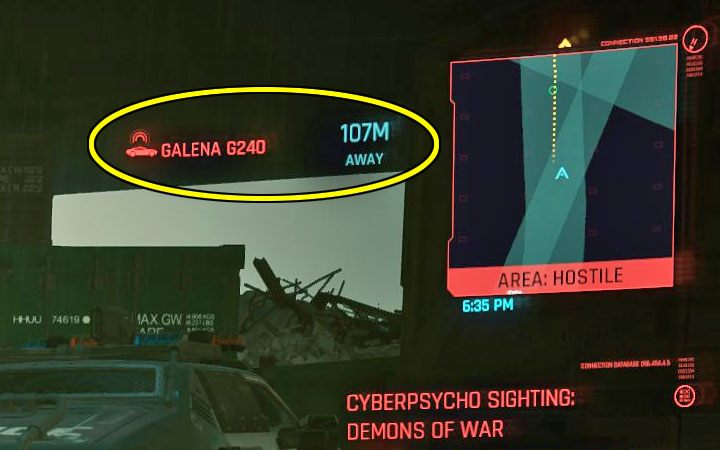
You can only call vehicles belonging to the hero. The machines that:
- You unlocked it by completing main quests.
- You bought for credits (more later on this page).
You can't call the vehicles you stole. You must return to the place where you left the stolen machine (if this is possible) or simply steal another similar car.
There is a separate key for calling a vehicle – V key in the PC version. Press that key to call up the hero's last used vehicle. You will see a confirmation message next to the mini-map in the upper right corner of the screen that the ordered machine is heading your way.
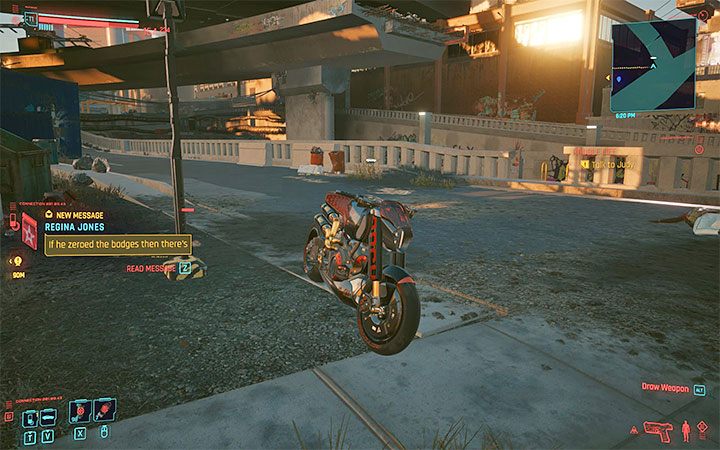
Each vehicle can move automatically and in theory, they should be able to reach the place where the main character stands. In some situations, however, the game can have problems with this – this can happen, for example, if you are standing on one of the floors of a multi-level building or simply in a place that the vehicle cannot reach. Try to move to a more open space and call the vehicle again.
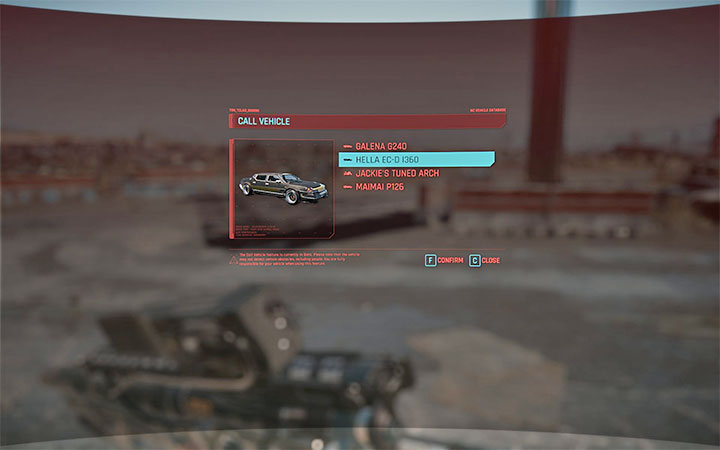
You can choose which of your vehicles you want to call – hold down the call vehicle key (hold V in the PC version).
You will see a list with all the vehicles you have received or purchased so far. You can choose the one you are interested in.
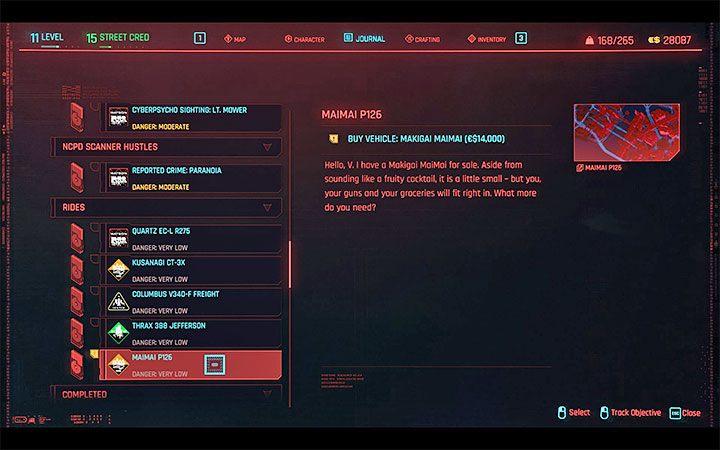
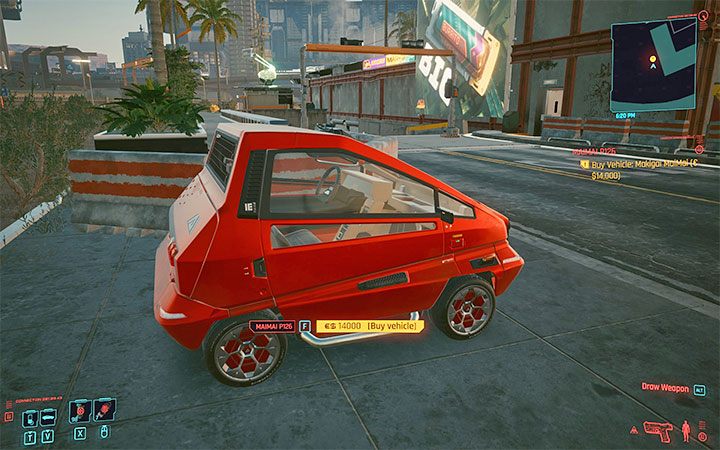
You can buy new vehicles to add them to V's garage and make them available for delivery.
Starting with the second act of the game, you will receive messages about the offers of buying cars and motorbikes. All such offers are transferred to the journal and placed in the Rides category. You must get to the place where the parked vehicle stands and interact with it to pay. Vehicles acquired in this way can't be lost (e.g. stolen) and they will remain available until the end of the game.



- Cyberpunk 2077 Guide
- Cyberpunk 2077: Game Guide
- Cyberpunk 2077: FAQ
- Cyberpunk 2077: Exploration
- Cyberpunk 2077: How to skip and change time of day?
- Cyberpunk 2077: Are Question marks on the map?
- Cyberpunk 2077: How to use fast travel?
- Cyberpunk 2077: How to steal car?
- Cyberpunk 2077: How to call vehicle?
- Cyberpunk 2077: How to open closed door?
- Cyberpunk 2077: What types of Cars will I find in the game?
- Cyberpunk 2077: How to unlock Racing in Night City?
- Cyberpunk 2077: How to use junk?
- Cyberpunk 2077: How to repair car?
- Cyberpunk 2077: How to get / adopt a cat?
- Cyberpunk 2077: How to get Rayfield Aerondight?
- Cyberpunk 2077: How to get Porsche 911?
- Cyberpunk 2077: Is there a flashlight in the game?
- Cyberpunk 2077: How to get Skippy, the Talking Gun?
- Cyberpunk 2077: Are buses playable?
- Cyberpunk 2077: Is it possible to leav the world map?
- Cyberpunk 2077: Can you adopt Iguana?
- Cyberpunk 2077: How to lower prices set by vendors?
- Cyberpunk 2077: How to get Arasaka Waterfront?
- Cyberpunk 2077: Exploration
- Cyberpunk 2077: FAQ
- Cyberpunk 2077: Game Guide
You are not permitted to copy any image, text or info from this page. This site is not associated with and/or endorsed by the developers and the publishers. All logos and images are copyrighted by their respective owners.
Copyright © 2000 - 2026 Webedia Polska SA for gamepressure.com, unofficial game guides, walkthroughs, secrets, game tips, maps & strategies for top games.